studworx
LDraw / LEGO® model builder
BUILD. DESIGN. CREATE.

Show your appreciation with a PayPal donation!

Useful? Star the repository - it helps others find it.
[ StudWorx // Project Page ] [ Version // 2026-10-30 ]
NOTICE
2026-10-30
- StudWorks is now StudWorx, the LDraw / LEGO® model builder - BUILD. DESIGN. CREATE. - at [studworx.app](https://studworx.app), settings and data carry over on the first start - Interface: built from standard Qt widgets throughout, panels, dialogs and windows follow the system style and theme, only the model views draw with OpenGL - Save Model Image: live preview of the saved image with step arrows, ratio presets from square to widescreen with Landscape and Portrait, a transparent background for PNG and GIF files, Save and Cancel in the File box and help from the title bar What's This button - Animated GIF: turntable animations from Save Model Image, a full turn or a back and forth angle range around the X, Y or Z axis, with frame count and duration, played live in the preview - Image framing: Fit Model and Fit Each Step keep every part inside the image with an adjustable margin, turntables keep one steady zoom through the whole turn around the World Origin, Model Origin or Model Center, and View Color backgrounds now save opaque - Print: File > Print prints the current model view through the system print dialog, with a Preview button where the dialog allows it - File menu: grouped by task, Print after Save As, Image beside Instructions and Render instead of under Export - Preferences: Custom Paths is now Reference Paths2026-10-29
- File managers: LDraw model files show a thumbnail of the model, from a KDE thumbnail plugin or the desktop thumbnailer, rendered with the new '--transparent' command line option - Select Connected Parts: selects every part joined to the selection, with the connection shapes of the [LDCad shadow library](https://github.com/RolandMelkert/LDCadShadowLibrary) by Roland Melkert, set and turned on or off under Preferences › Part Connections - Parts library: no longer bundled, the first start offers to download the official LDraw 'complete.zip' into the data folder or to choose an existing archive - Install: 'tools/studworx-install' builds and installs StudWorx without a package, with thumbnails, file types and associations, '~/.local' needs no superuser rights, run it again after 'git pull' to update - Instructions: step images outline the parts new to each step and fade the earlier ones, set by Fade Previous Steps and Highlight New Parts in the Document settings, their colors kept 85% to 95% opaque - Instructions: every page element stays within the page margins, page numbers included, and Page Setup margins are limited to the room the page size leaves - Value boxes: the maximum shows after the value (6 / 32 studs), any number can be typed and is brought into range once applied - Find and Replace: one bar that starts with its close button, a chevron shows or hides the replace row, long part names no longer stretch it - Views: the camera name and the editing path float over the view as bars with a close button, each model in the path is a button that goes back to it, and the bars only move when the view cube or axis icon is in the way - POV-Ray: found on its own in the PATH, Flatpak or Snap and checked for version 3.7, LGEO parts found beside the parts library or downloaded on request, both asked for like the parts library when missing, a Parts choice between LDraw and LGEO, and '--povray-render' renders a model to PNG from the command line - Icons and cursors drawn in code and sharp at any size, the base grid toggle hides only the grids and leaves the axis lines alone, the terminal panel sizes to whole rows and columns2026-10-28
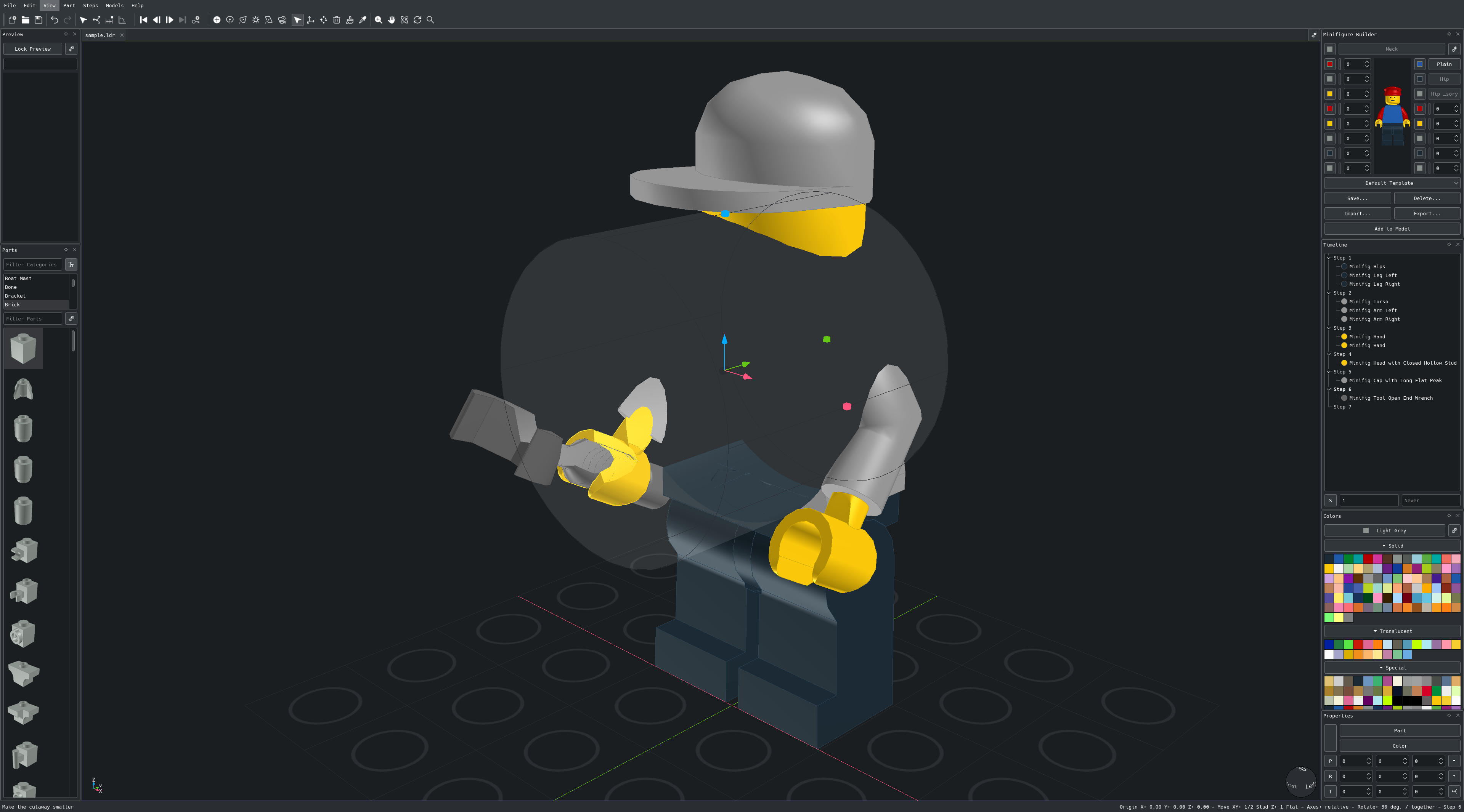
- Cutaway: cut into the model around a clicked face to see inside it, with a cube, sphere or cylinder shaped cut - from View > Cutaway, the model is never changed - Cutaway: click for the default size or drag to size it, move and resize it with the gizmo knobs, push in and pull out by one plate, Esc leaves it - Cutaway: faces lined with a light shade, its color and alpha set in Preferences, the alpha reads 0 to 1 over 95% to 85% transparency so the shade never disappears - Cutaway: cut parts show solid surfaces in their own color where the cut passes through them, like a sawn brick instead of a hollow shell - Projection: new model views and tabs open with the last chosen projection, set in Preferences to change only the active view or all model views at once - Instructions: Model Projection in the Document settings renders the step and cover models in perspective or orthographic, whatever the model view shows - Turntable: after an idle time the model turns full screen in perspective around the X, Y or Z axis set in Preferences on the background color, any input ends it - Preferences: Views page grouped into Model, Cutaway, Turntable, Base Grid, Parts, Preview and Minifigure Builder without repeating View or Preview, every slider shows its value on its left and reaches the right edge - Preferences: units inside their boxes and named by the count (1 stud, 6 studs), turntable idle and turn durations in seconds, grid line spacing in a spin box - Preferences: the Files group sets the Author of new models, "Author" until it is set - Preview: the panel, its options and its preferences are named Preview, since it shows models as well as parts - Parts panel: a floating panel ends on whole thumbnail or list rows and scrolls by whole rows, the bottom row is never cut - Part categories: turn each category on or off with its checkbox, sub parts and aliases are no longer listed - Preview: 'Keep Last Selection' keeps showing the last selected part - Minifigure Builder: no longer crashes at startup when the parts library cannot be loaded - Panels: the right column shrinks again, value fields without limits no longer size for the largest possible number - Minifigure Builder: the template buttons sit in pairs with Add to Model below, so the panel can shrink - Views: a model opened from the Open dialog, recent files or a drop shows like one opened directly, sized and fitted to its loaded parts before it is first drawn, also when it is reopened, and stays fitted as the window resizes until the camera is moved - Instructions: padding, margin, border and background for every page element, the background fills the whole box - Instructions: notices, free text added to any page with a right-click - Instructions: pointers from an element border to a part, step, notice or other element - eight anchors or the nearest, line or callout wedge, arrowhead or dot tip - Instructions: settings, page layouts, notices and pointers saved in the model file as '!SW INSTRUCTION' meta commands - View cube: the view sphere is now a cube with chamfered edges and corners - click any of its 6 faces, 12 edges or 8 corners for that view, with sharper labels - Sizes: view cube, axis icon and part thumbnails each come in Extra Small to Extra Large on a 16px baseline - view cube and axis icon 48 to 192, thumbnails 32 to 128, with older saved sizes moved to the nearest one - Axis icon: its own Preferences group with size, location, X, Y and Z labels, optional negative axes in their own duller colors set under Colors, and a chamfered view cube wireframe around the axis whose alpha reads 0 to 1 over the same range as the cutaway shade, the icon keeps the same clearance from the view edges as the view cube at each size with the labels kept inside it - Command line: import and export the settings, keyboard shortcuts, mouse shortcuts and part categories without opening a window - '--import-settings', '--export-settings', '--import-keyboard-shortcuts', '--export-keyboard-shortcuts', '--import-mouse-shortcuts', '--export-mouse-shortcuts', '--import-categories', '--export-categories' - Command line: '--help', '--version' and the import and export options run without a display - Code: views, preferences, the parts library and projects split into smaller files by task - camera, input, categories, shortcuts, cache, loading, file and import - with no change in behavior2026-10-27
- Packages: .deb, .rpm and AppImage for x86_64 and arm64, Windows installer and universal macOS disk image, all with Qt and the parts library included - One release on GitHub, rebuilt from every change and tagged with its date version - Versions follow the release date everywhere: 'studworx-2026-10-27-x86_64.rpm', the About dialog and the Windows file version - Lighting styles for the default shading: Standard, Studio, Matte and Toon - also from the command line with '--lighting' - Selection outline width, set in Preferences or with 'Increase Outline Width' and 'Decrease Outline Width' - Cursors and toolbar icons drawn in code at any size, following the light or dark theme - move and rotate cursors show their axis - Instructions: place, drag and lock every page element, page grid with snapping, page numbers and colors and fonts for every element - Instructions: Print panel inside the instructions window replaces the print dialog and print preview, the window opens maximized - Preferences: label and control columns lined up on every page, mouse shortcuts recorded by clicking, mouse tools grouped like the keyboard commands - Menus: new Steps menu, Instructions and Properties in the File menu, Image under Export, Preferences at the bottom of the Edit menu - Parts panel snaps its categories to the longest name when docked on top or bottom - Terminal panel: 'Open Model Folder' button - Traditional Chinese, Russian and Ukrainian added to the language choices - About dialog shows the LEGO® trademark notice2026-10-26
- LeoCAD+ is now StudWorx, its own project built on [LeoCAD](https://github.com/leozide/leocad) - Code split into modules: application, core, library, rendering, input_output and interface - Settings, part palettes and minifigure templates are copied from LeoCAD on the first start - Models keep LeoCAD's file format and open in either program - Set inventories use your own free Rebrickable API key, asked for once - Light and camera properties follow the part layout: named rows, values with their names and units, one keyframe per value2026-10-25
- Default names use a three digit number and no number sign: 'Group 001', 'Minifigure 001', 'Submodel 001.ldr', 'Camera 001', 'Spot Light 001' - Duplicated submodels take the next free number instead of 'Copy of': 'Car.ldr' becomes 'Car 001.ldr' - Panels share one look: headers, buttons, text boxes and spacing follow the options (gear) button - Properties: part, color, position, rotation and transform rows below the list - color swatch spans the part and color rows - Timeline: steps a part is added and removed in, edited below the timeline - an empty removal step reads 'Never' - Model tabs fully outlined and lined up with the view options button2026-10-24
- Instructions: paper and screen presets, metric or imperial units and margins, orientation-based step order - Instructions: cover page, bill of materials, blank page breaks, step dividers, document font and full page background - Instructions: steps per page set for each page, parts list counts, sort order and border - Minifigure Builder panel: build a minifigure, dock the builder and add several variations to the model - Preview: optional square viewport that sizes the panel to fit - Models menu: 'Configure Minifigure...', Preferences and Instructions moved to the Edit menuWelcome to StudWorx
StudWorx is a free LDraw / LEGO® model builder, a CAD program for creating virtual LEGO® models with the LDraw parts library, built on LeoCAD. It keeps LeoCAD’s file format, so models open in either program, and copies LeoCAD’s settings on the first start.
Everything LeoCAD does, StudWorx does too - with a reworked interface and a set of modeling and instructions features on top:
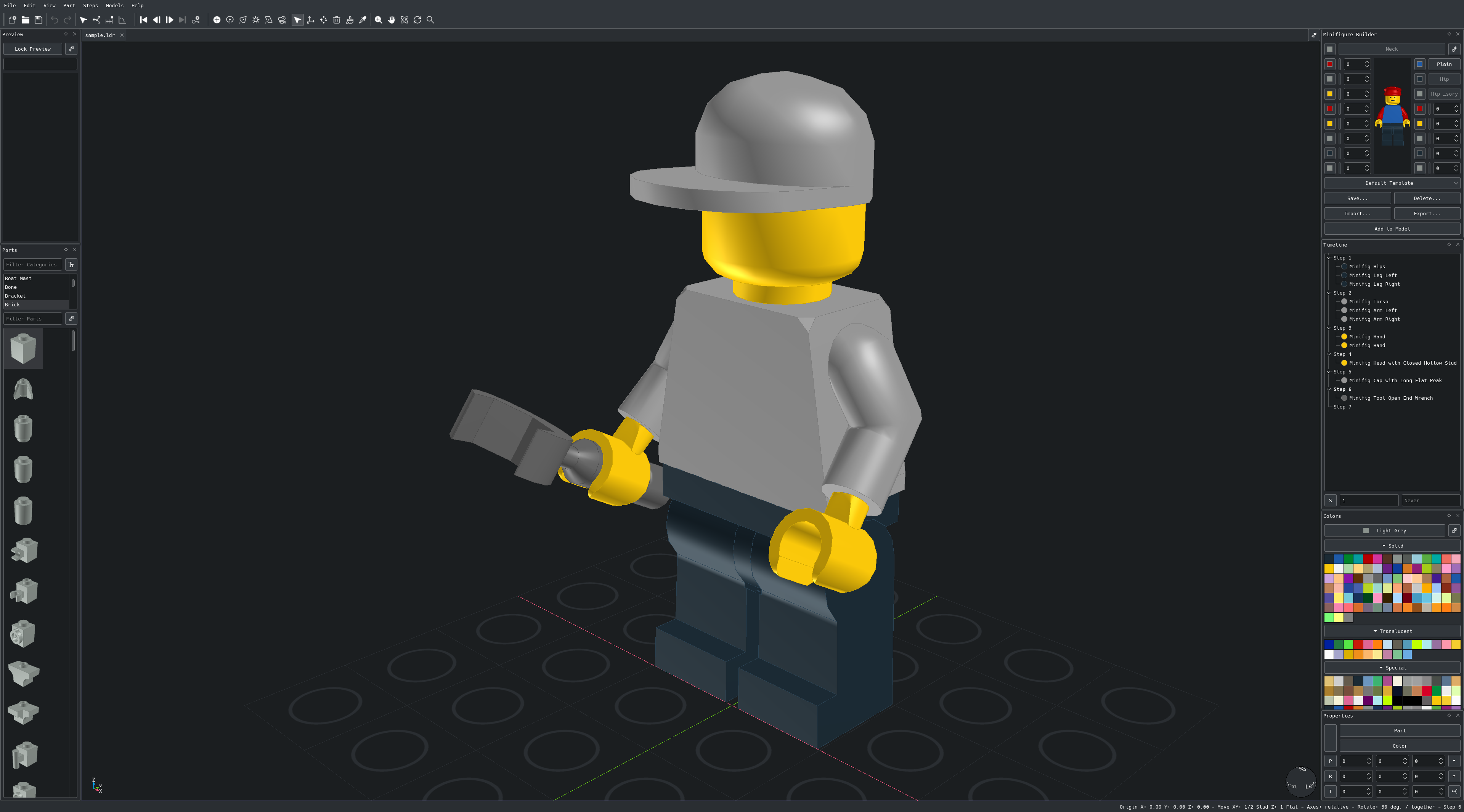
- Interface ↴
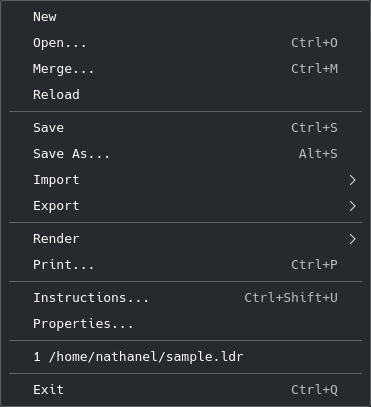
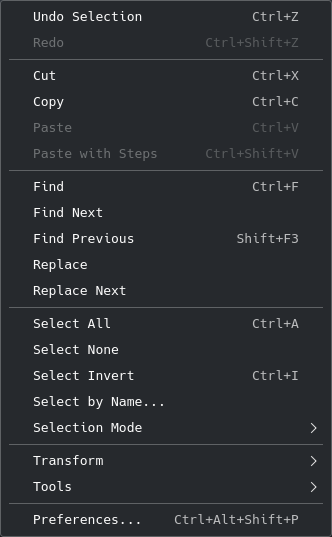
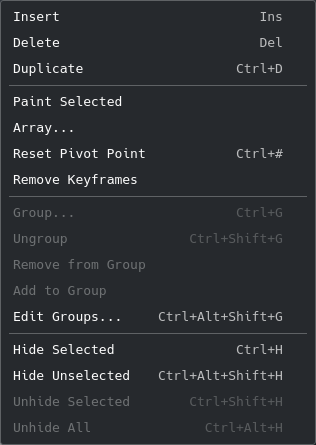
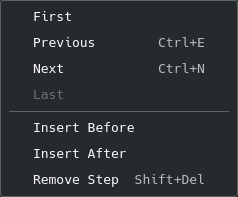
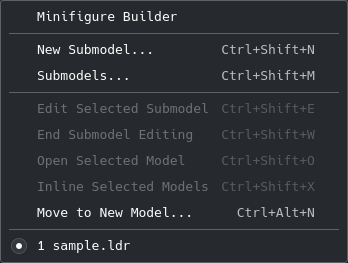
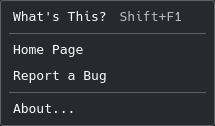
- File, Edit, View, Part, Steps, Models and Help menus, with clean labels and unique mnemonics
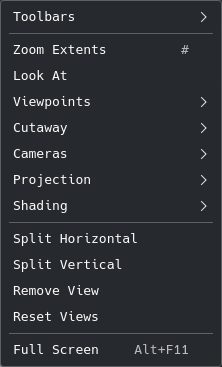
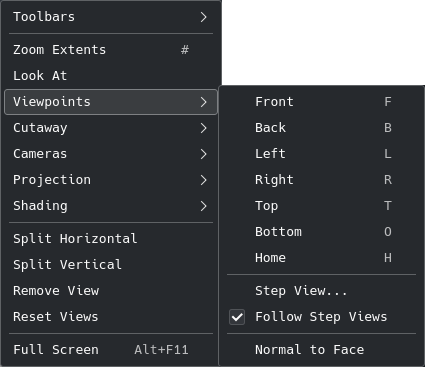
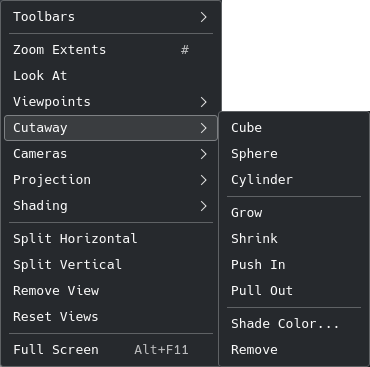
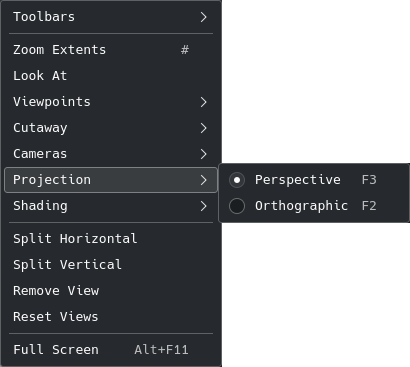
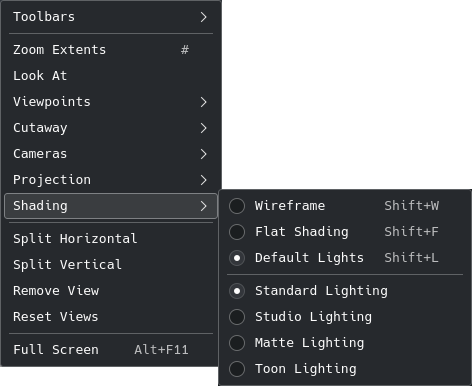
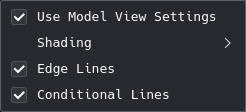
- View menu with Toolbars, Viewpoints, Cutaway, Cameras, Projection and Shading submenus
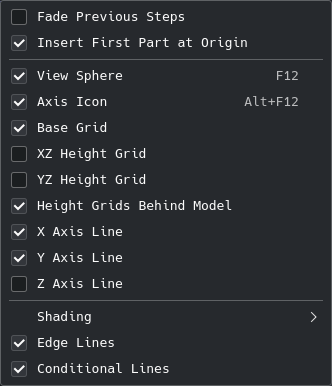
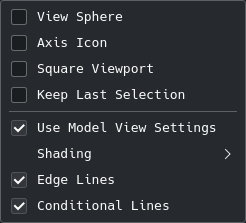
- Options (gear) menus on the model view and every panel for grids, preview, parts and colors
- Theme-aware toolbar icons drawn in code, sharp at any size
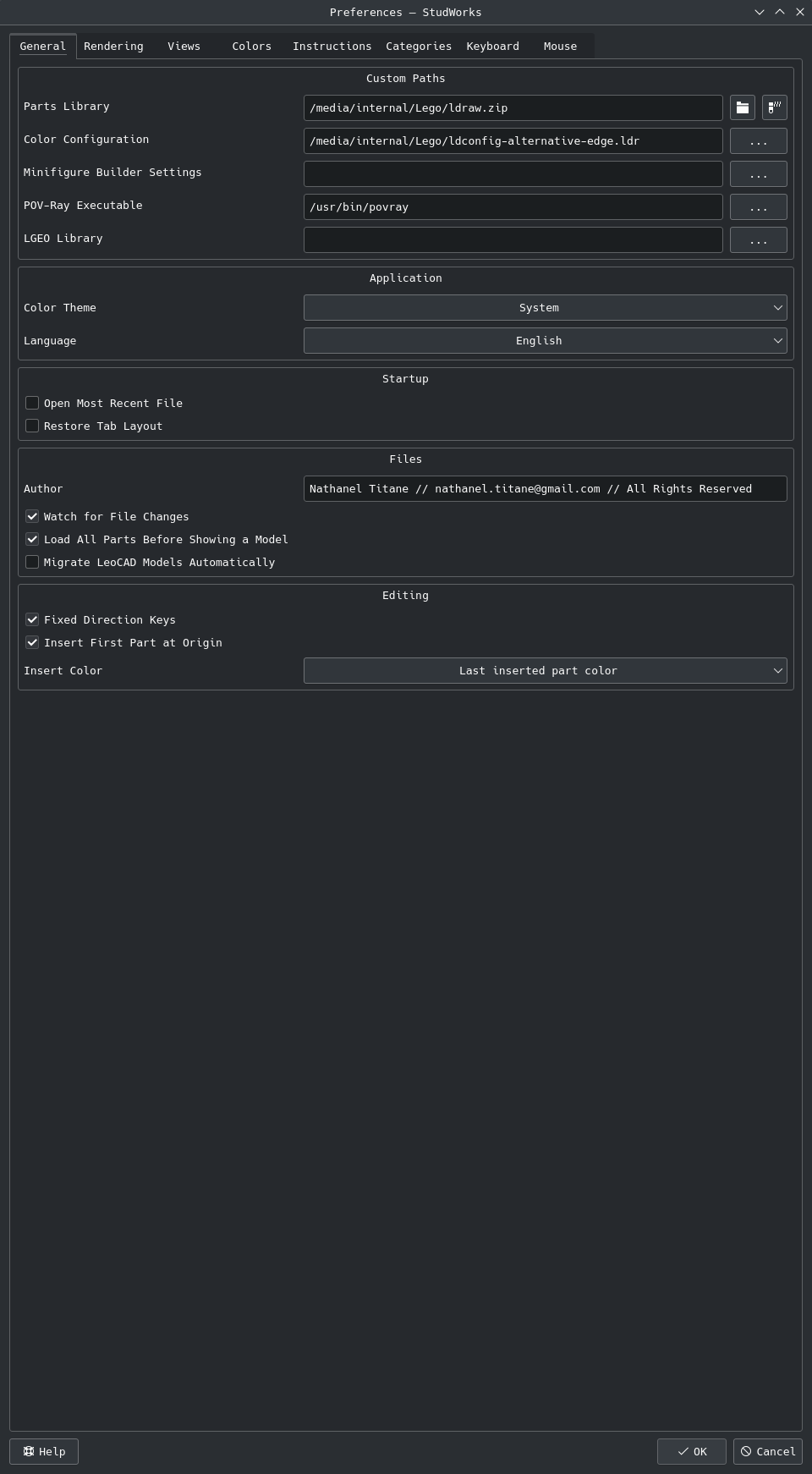
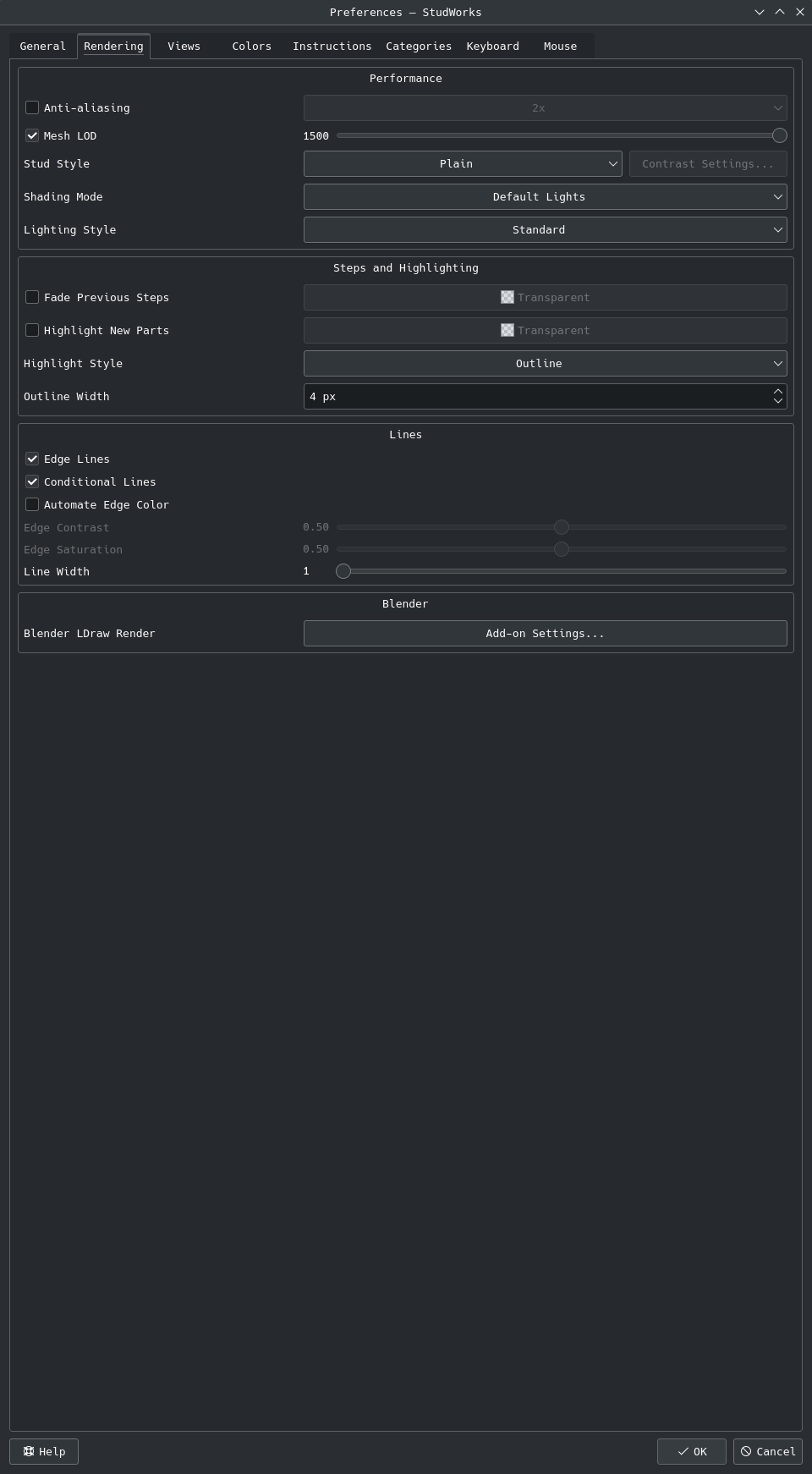
- Preferences pages with lined up label and control columns: General, Rendering, Views, Colors, Instructions, Categories, Keyboard and Mouse

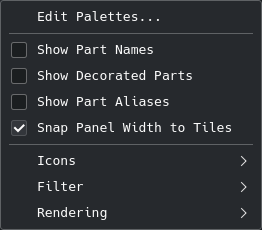
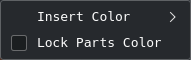
Menus
Preferences and About
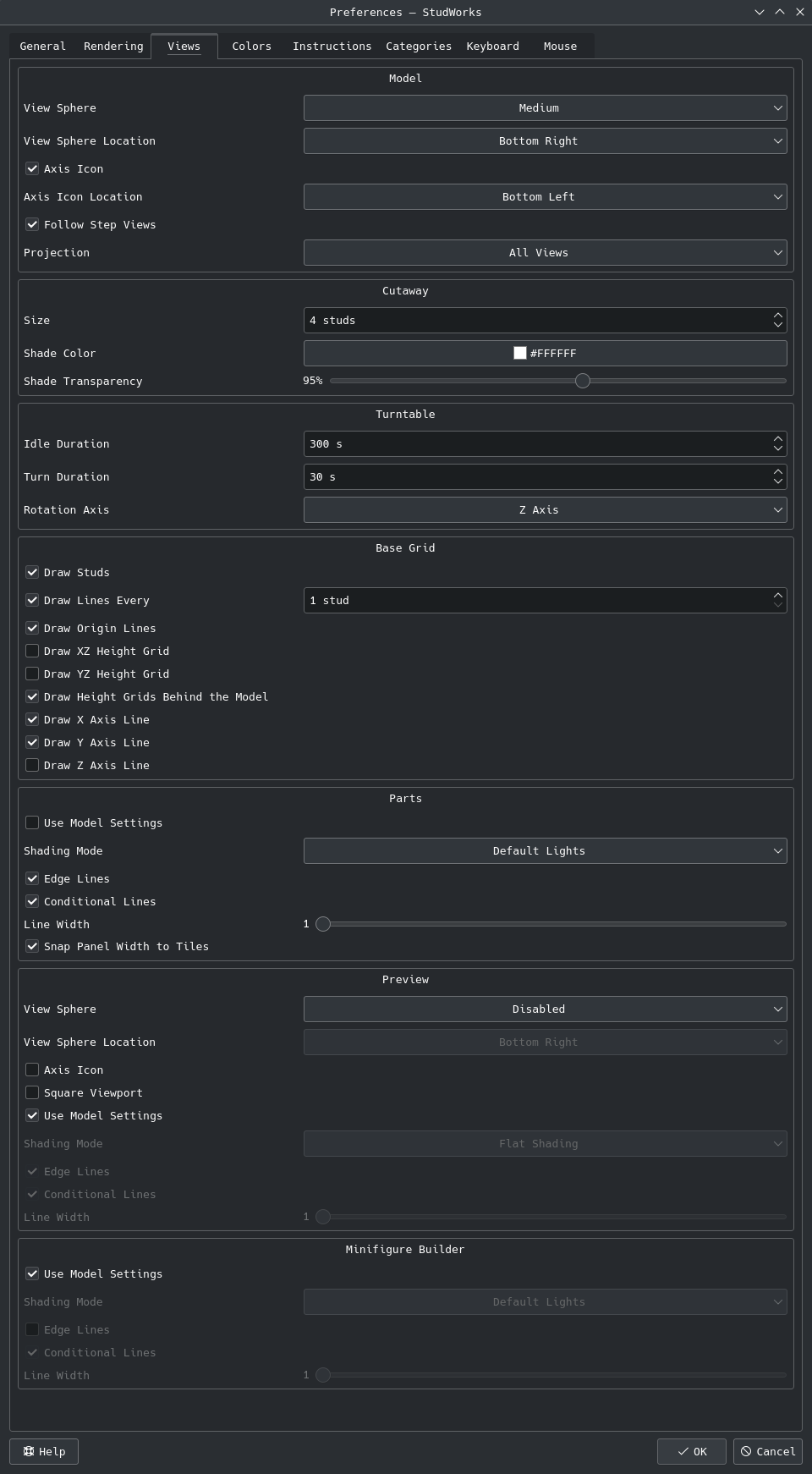
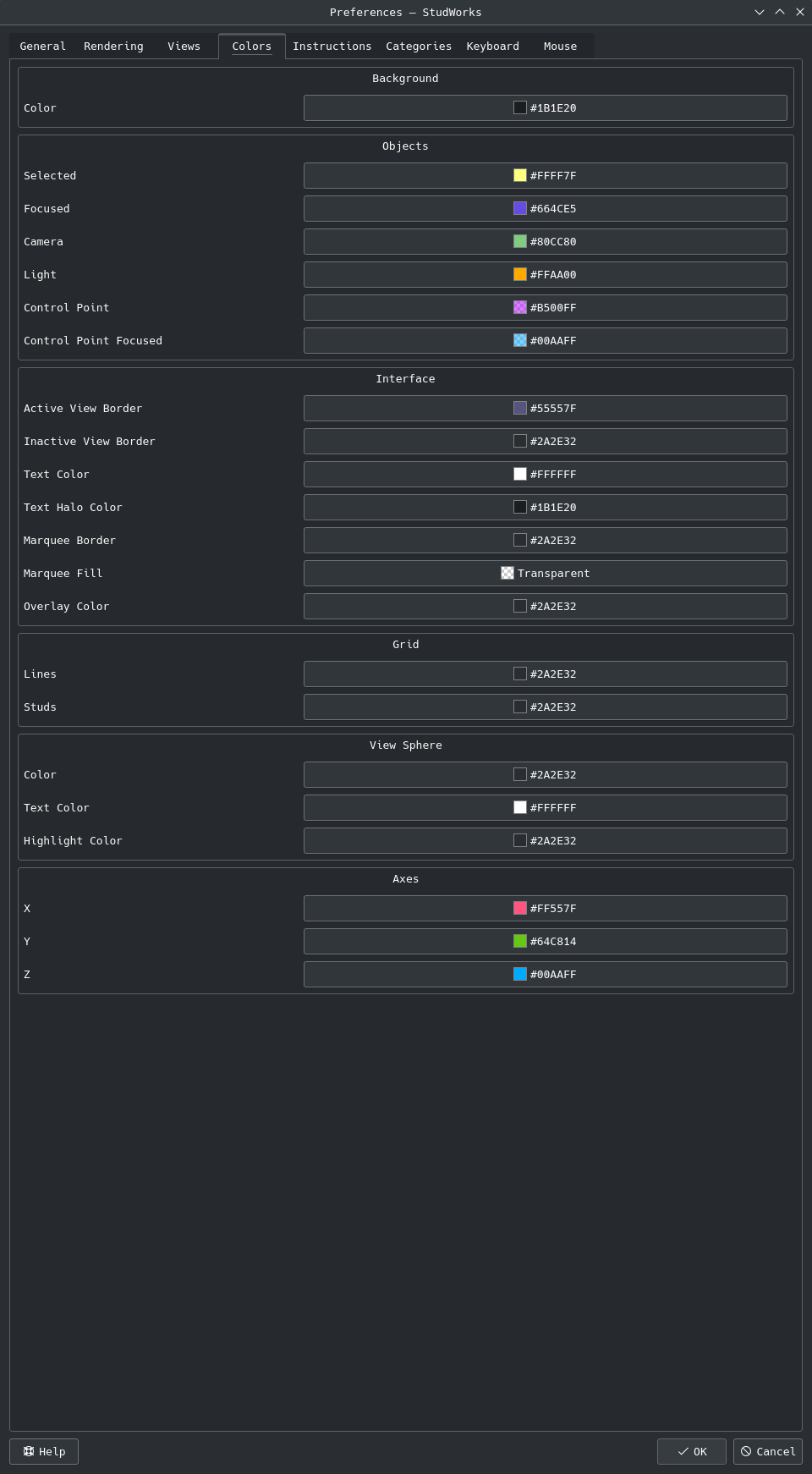
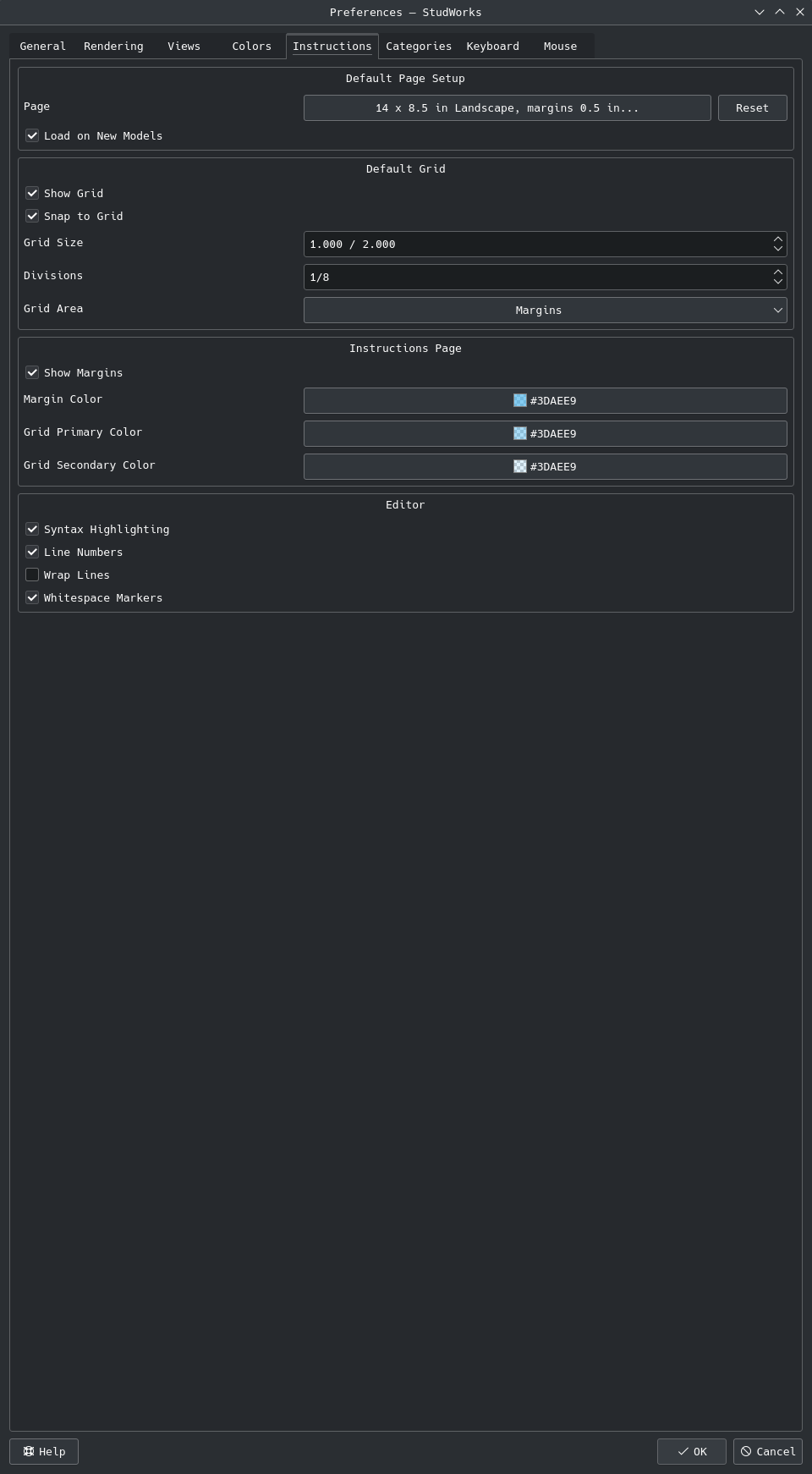
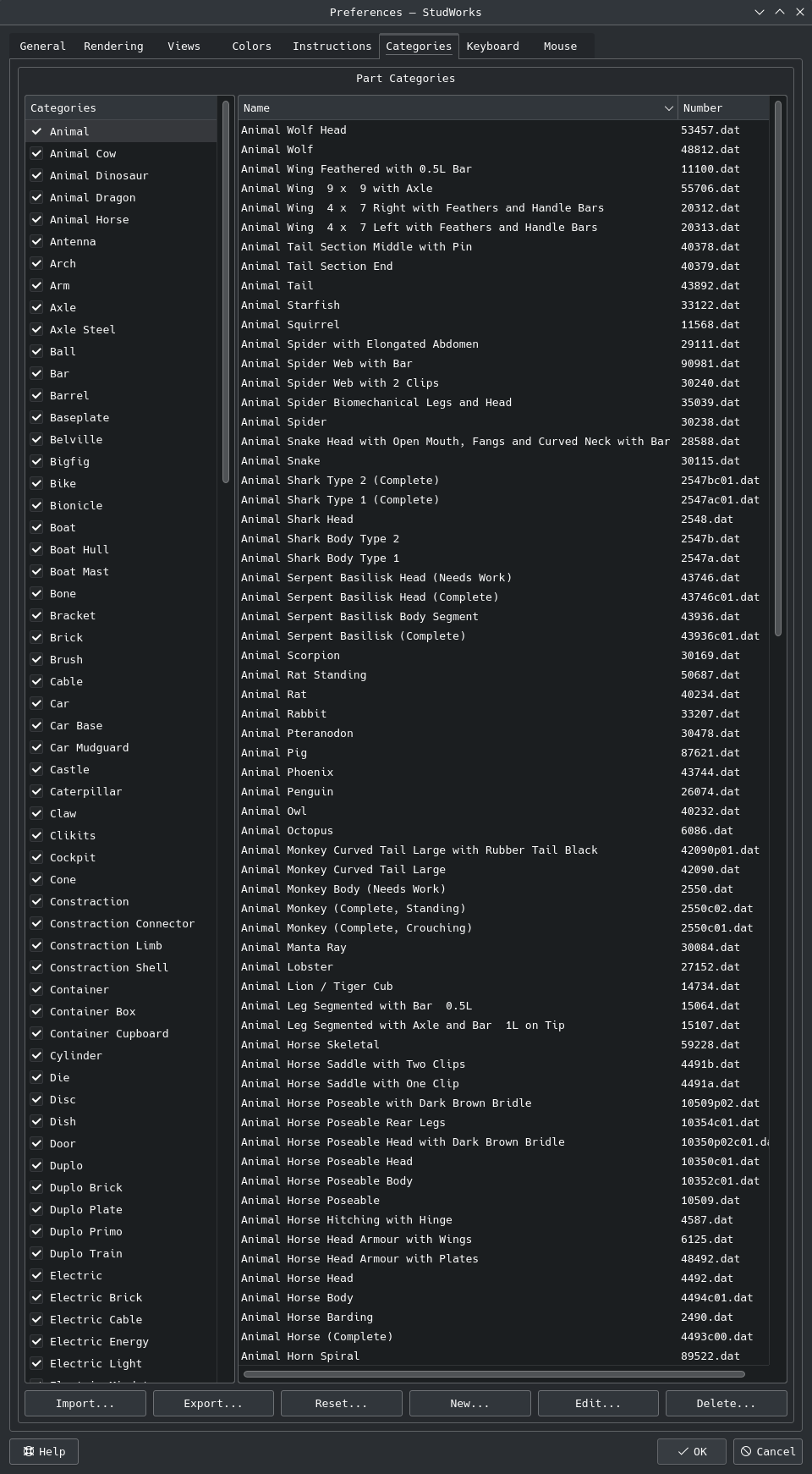
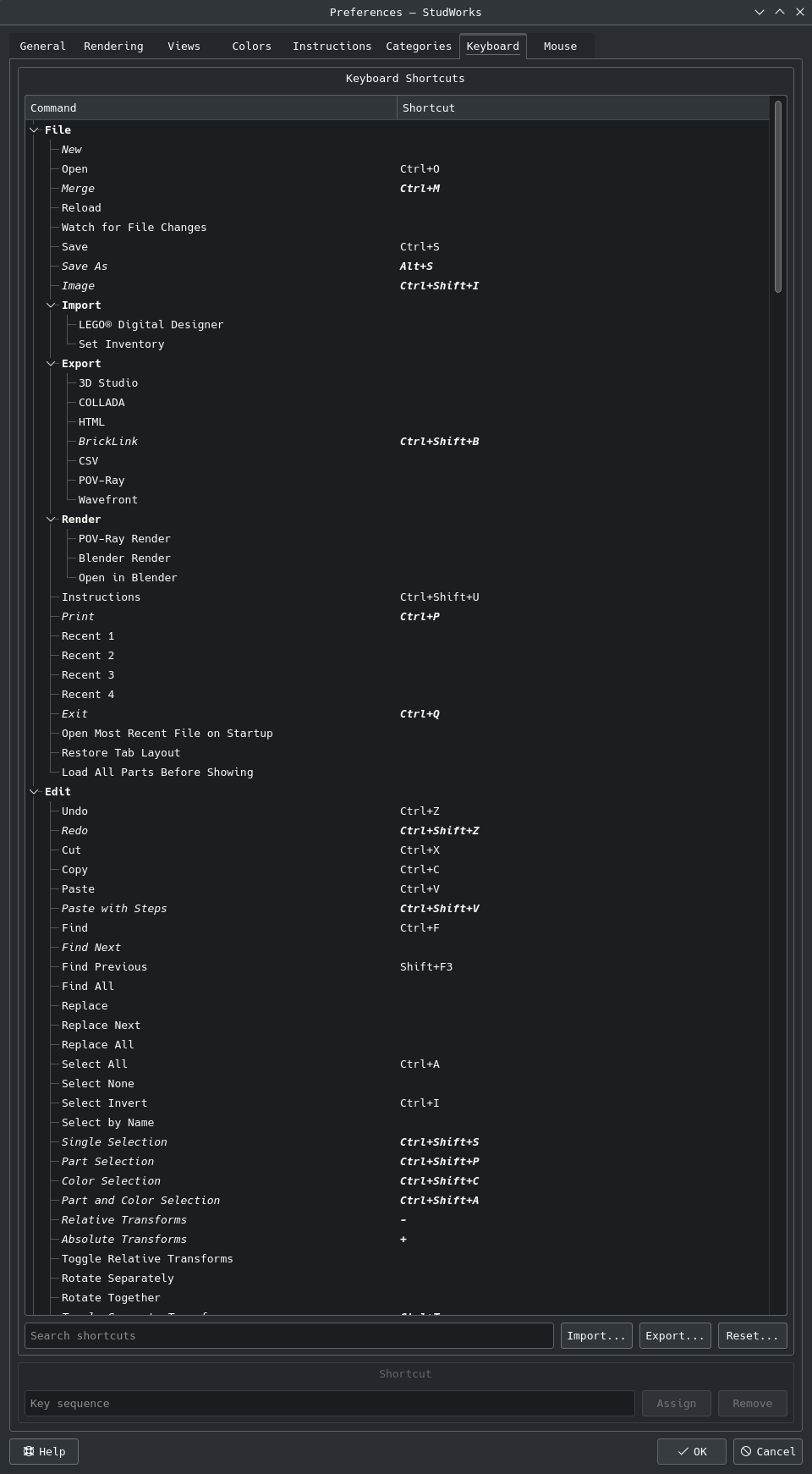
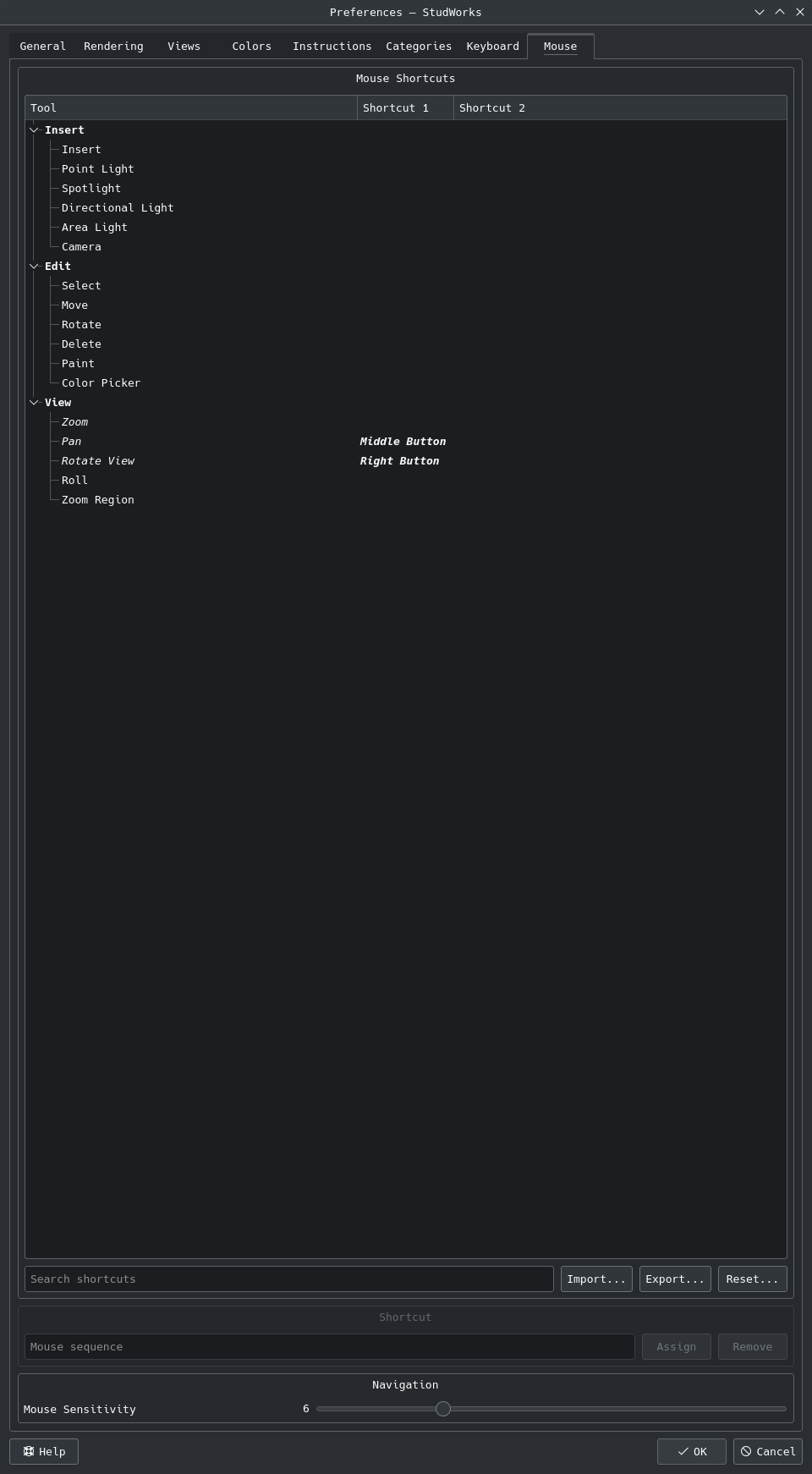
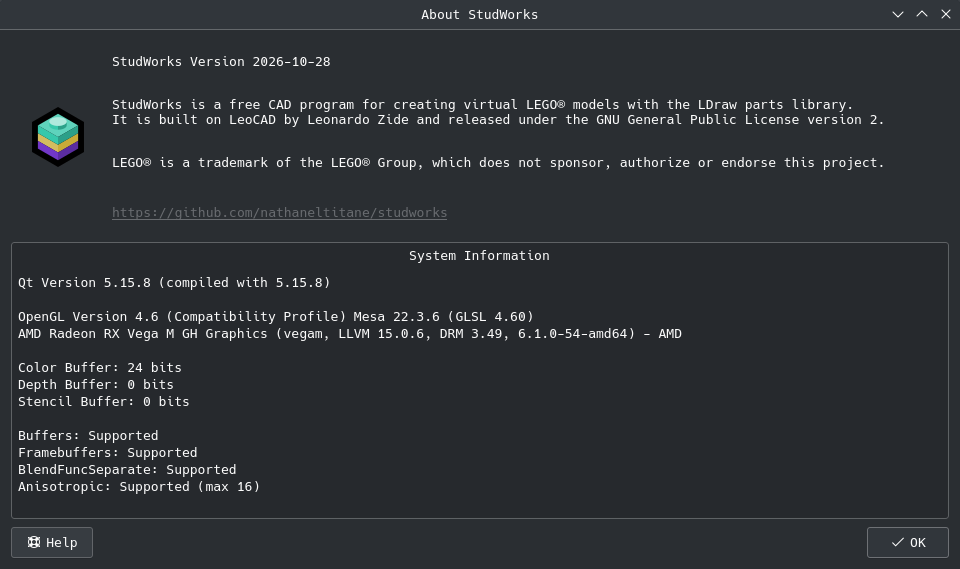
- Panels ↴
- Uniform panel headers, buttons and text boxes, all sized from the options (gear) button
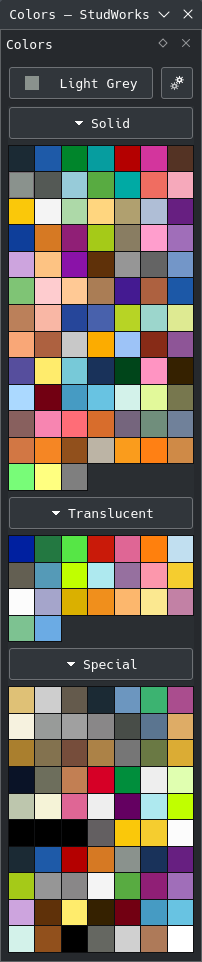
- Collapsible color groups, square color tiles and a color options menu
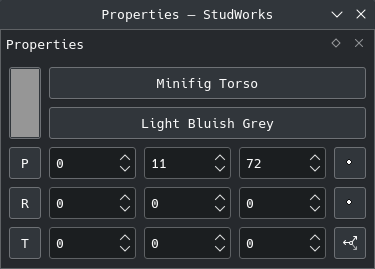
- Properties panel with compact position, rotation and transform rows and a spanning color swatch
- Dockable Minifigure Builder panel, optional embedded terminal panel and a square preview
- Panels dock side by side in any area
- Parts panel snaps to whole thumbnail tiles and rows, docked or floating, and its categories to the longest name
- Part categories turned on and off with a checkbox
- Theme-aware icons and cursors drawn in code, with axis cursors for moving and rotating
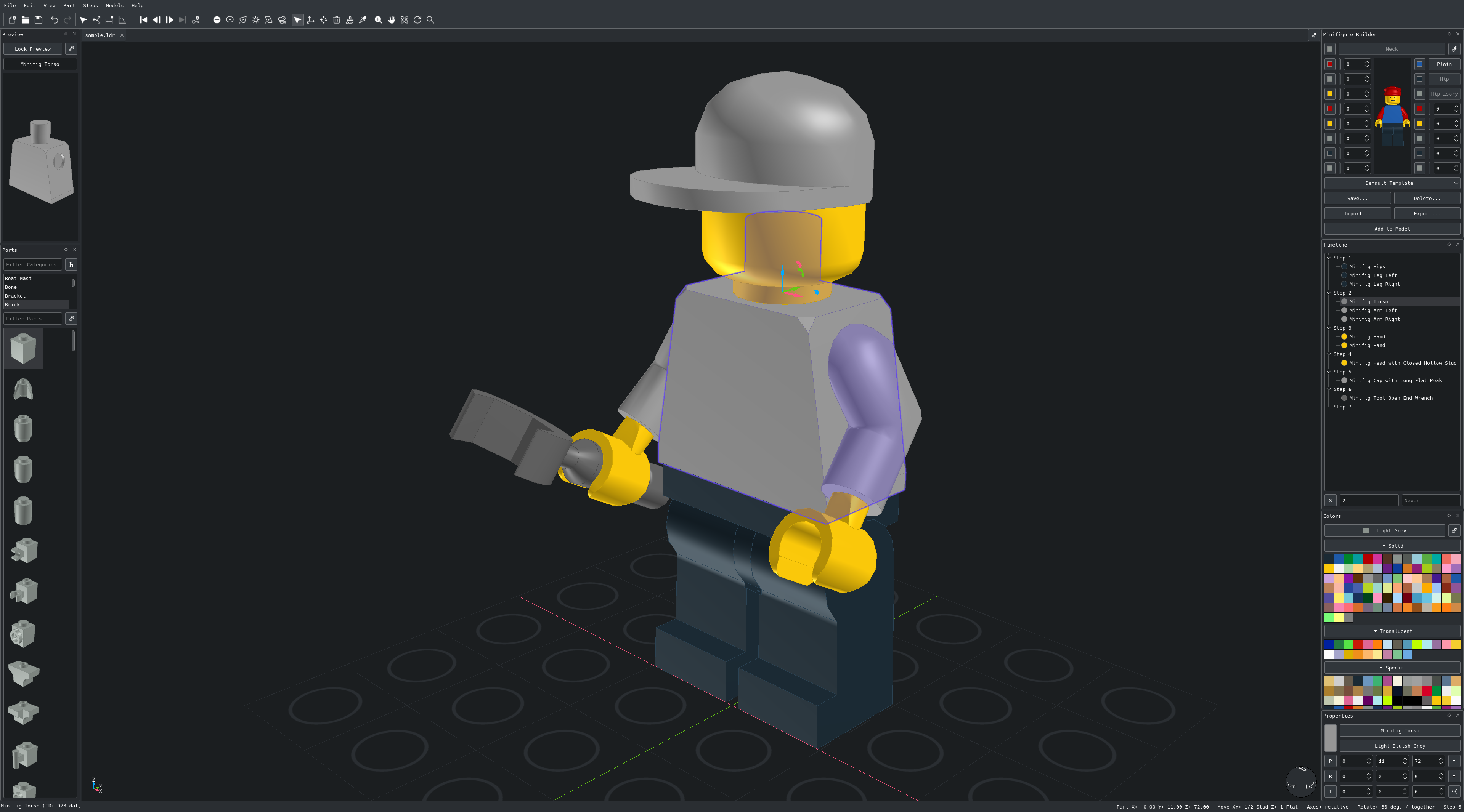
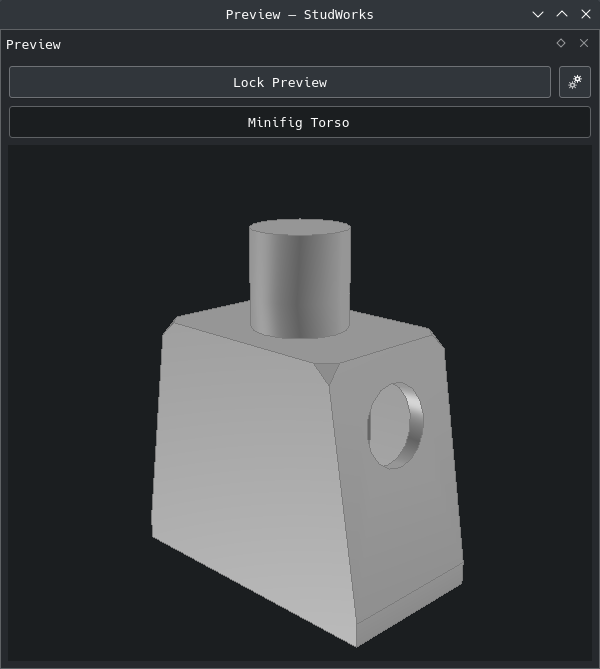
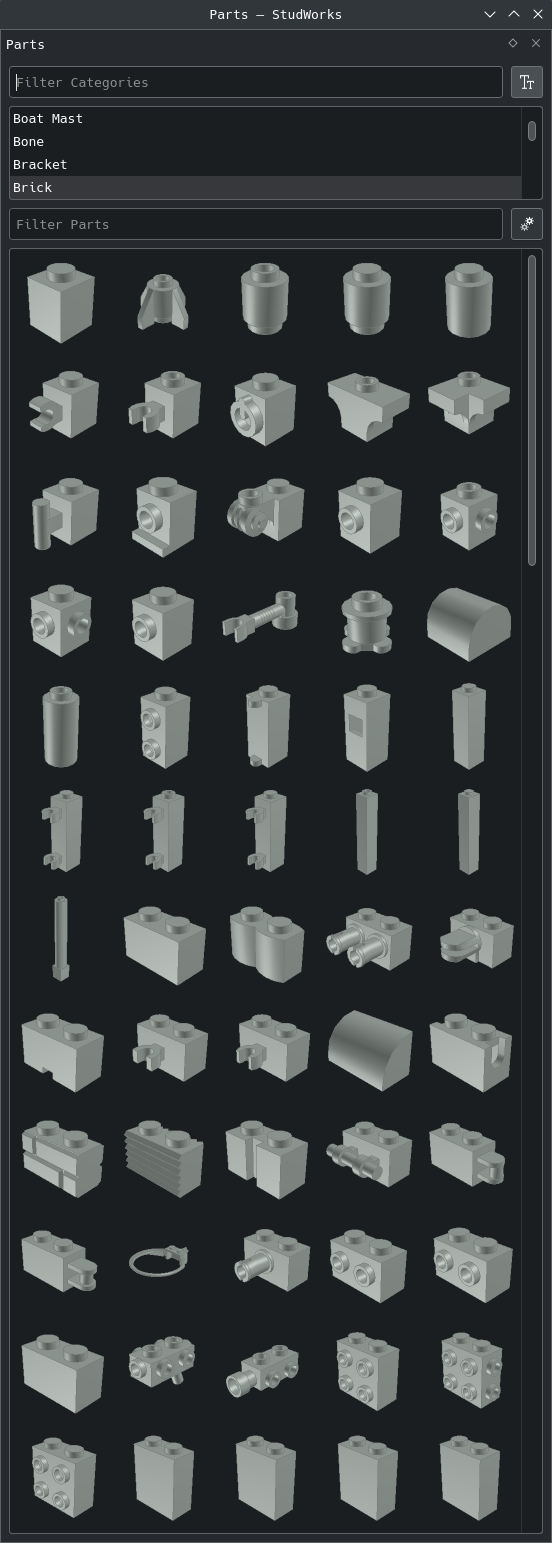
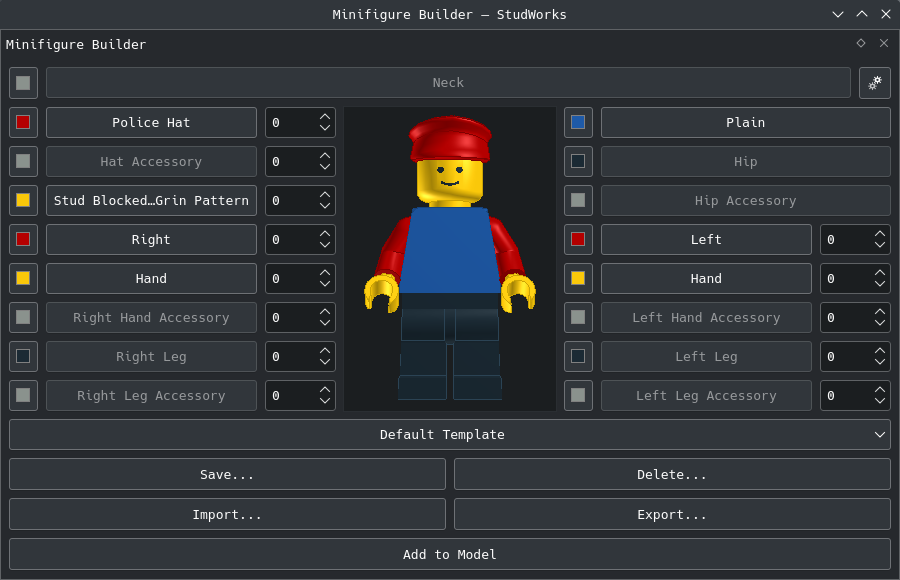
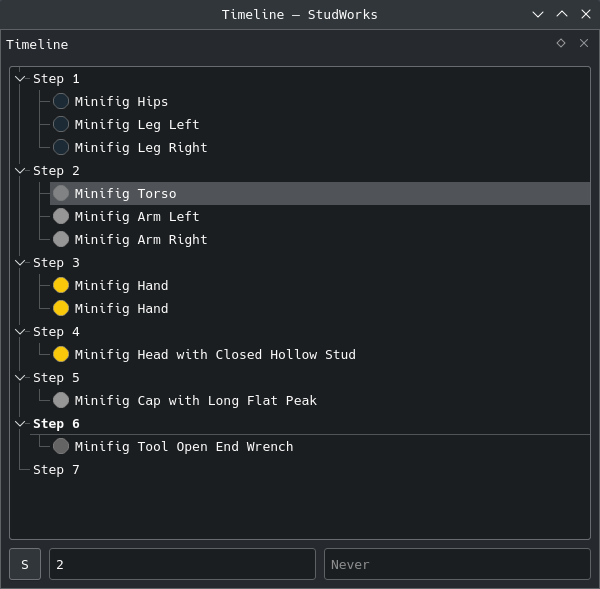
- Modeling ↴
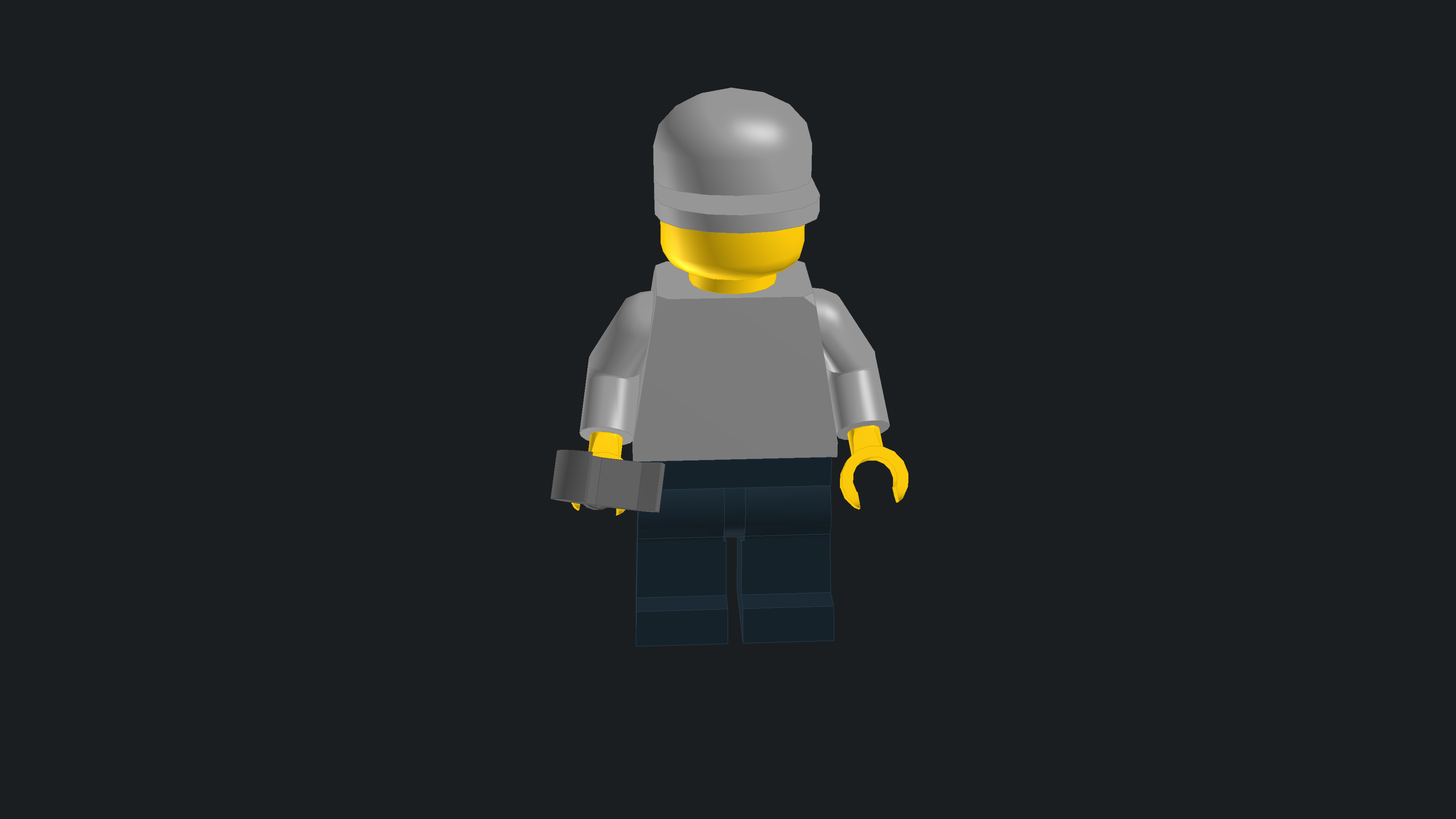
- MLCad ROTSTEP step views shown and edited in the Timeline
- Select Connected Parts, using the connection shapes of the LDCad shadow library
- Vertical XZ and YZ height grids with their own z axis lines, sized with the base grid around the model on all three axes, grid origin z axis line, toggles for each x, y and z axis line, optional negative axis halves in the negative axis colors, custom rotation snap angle and camera orbit snapping
- Status bar view orientation in latitude and longitude with the projection, ahead of the focus position, and a right click menu showing or hiding each status bar segment
- Normal to Face view command, first part at the origin option
- Insert color options and the selected part color as the current color
- Separate rendering settings for the model view, preview and parts list
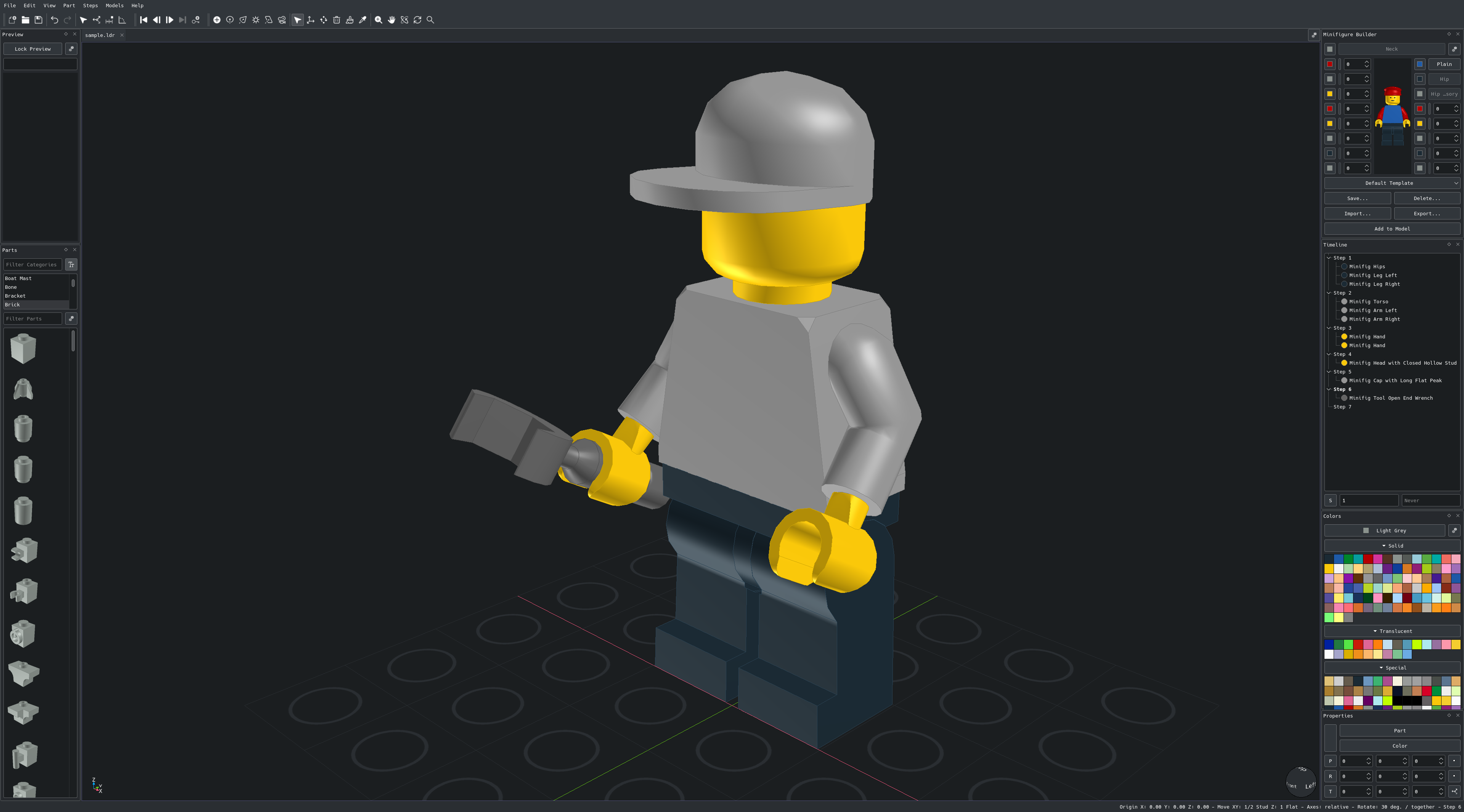
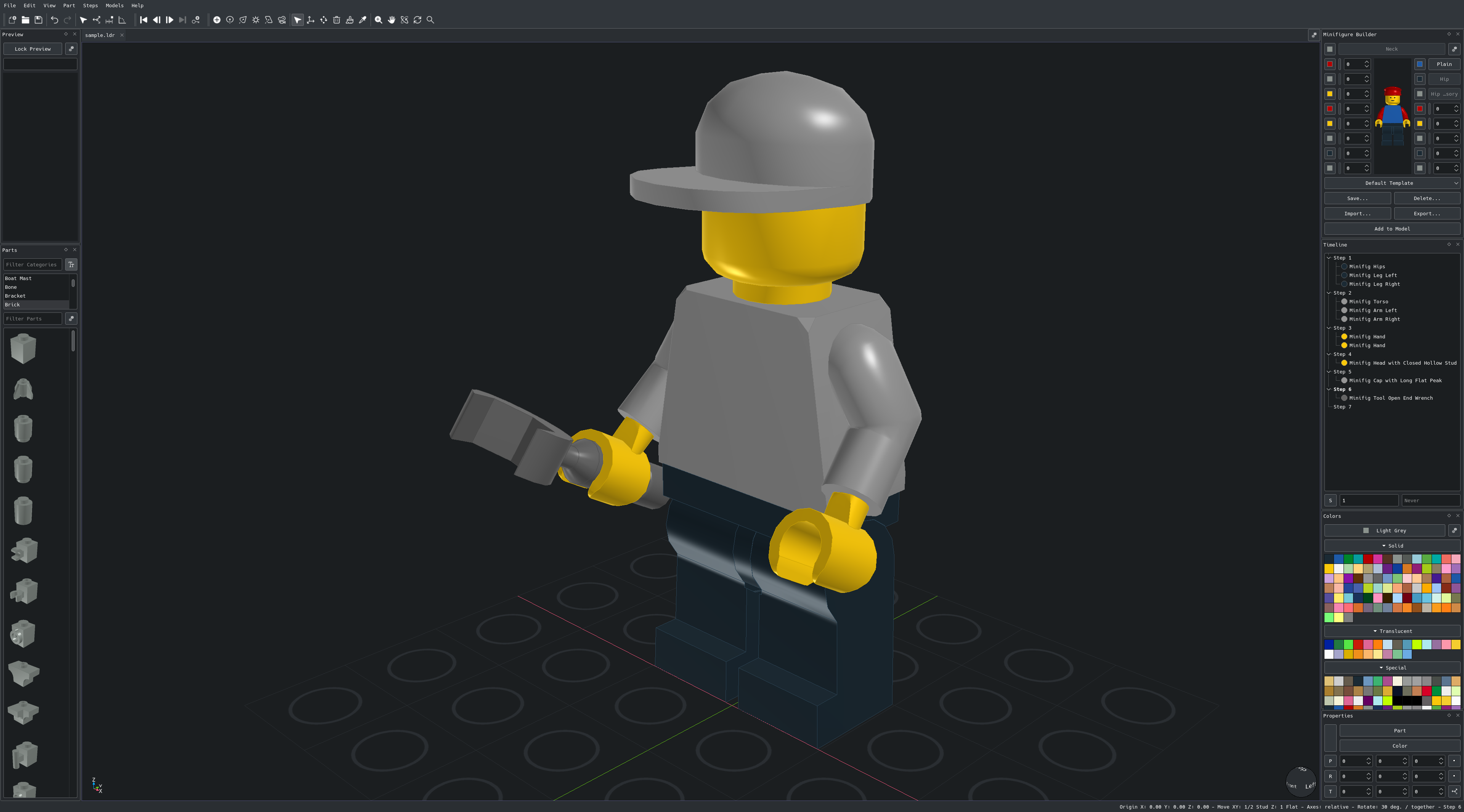
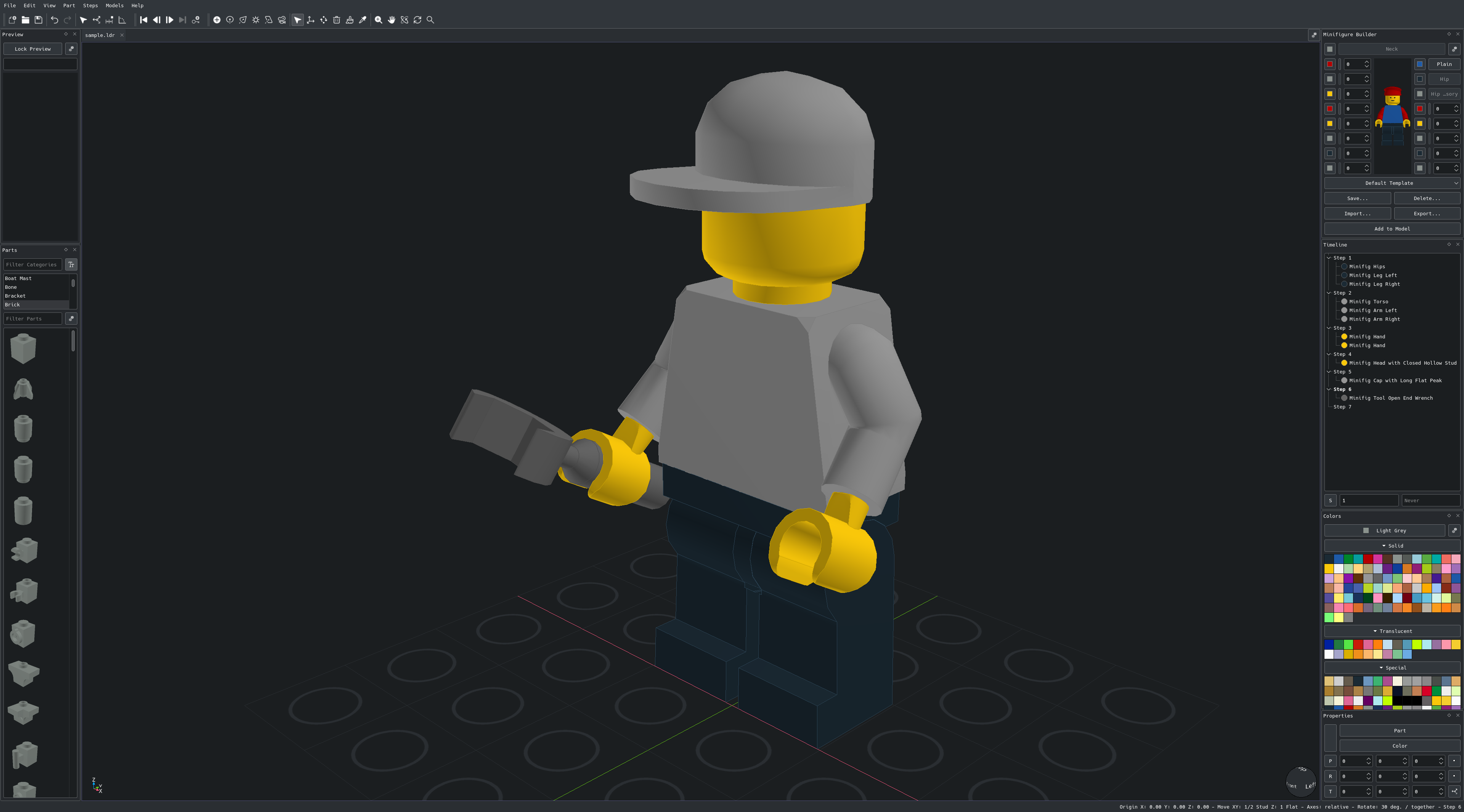
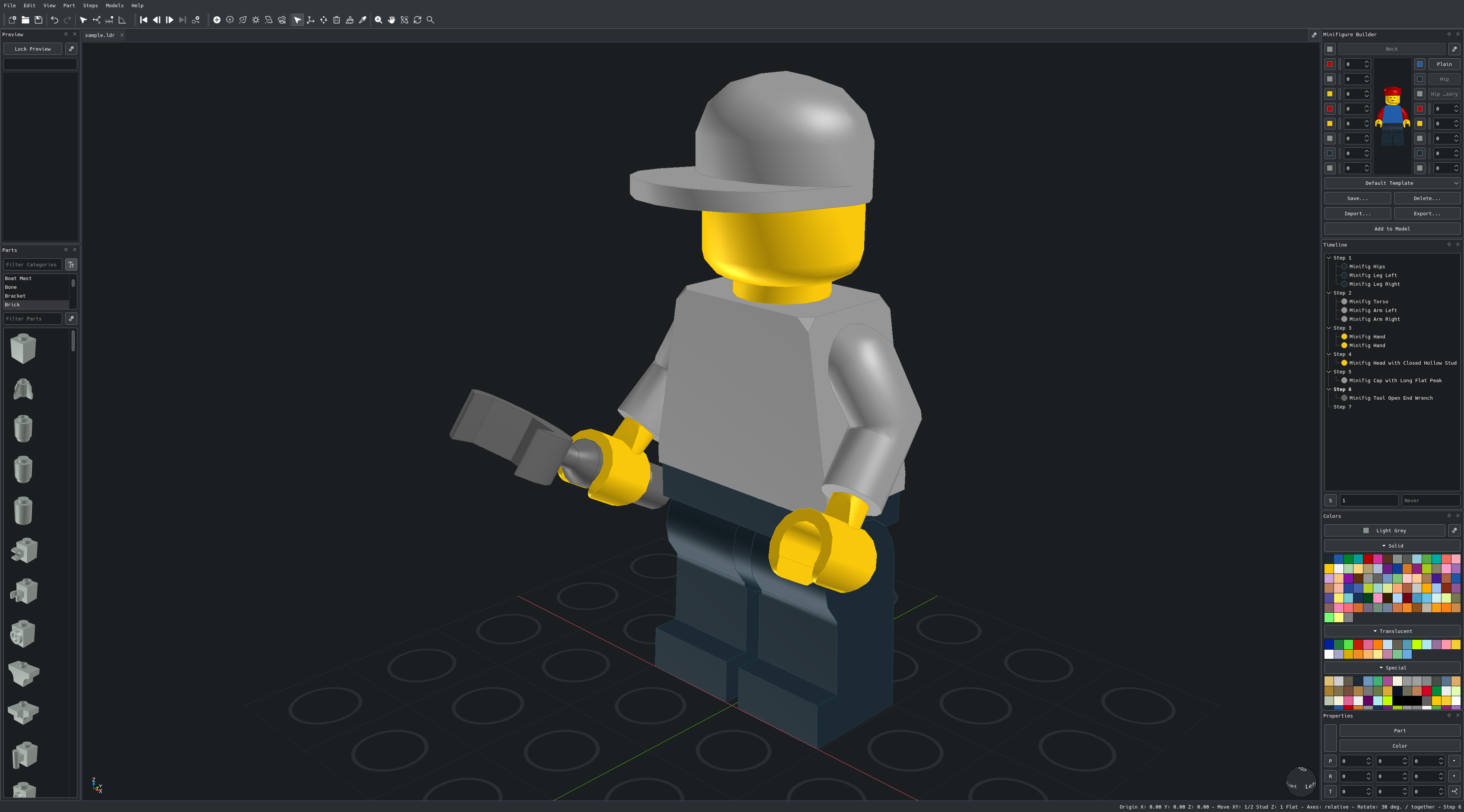
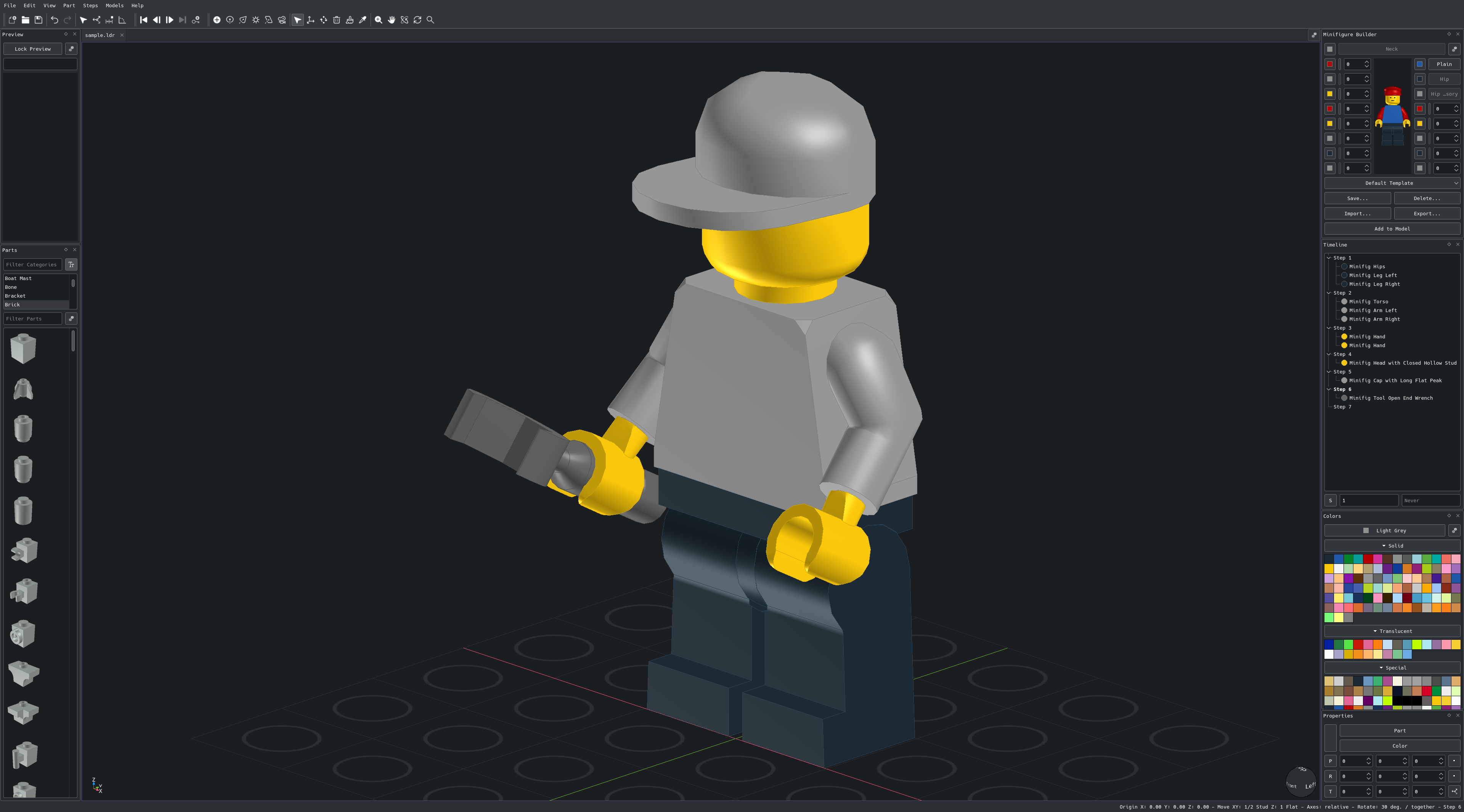
- Standard, Studio, Matte and Toon lighting styles and an adjustable selection outline width
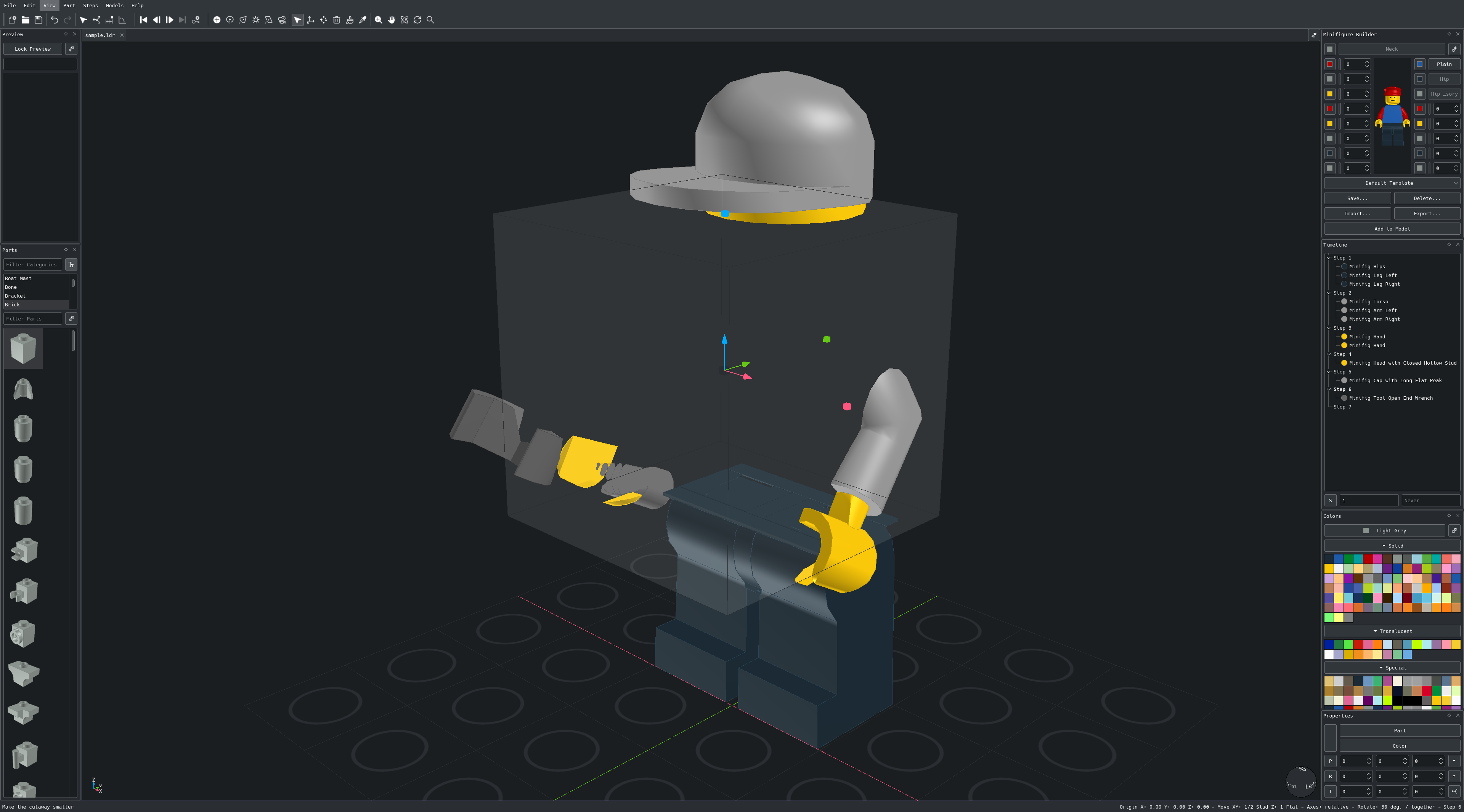
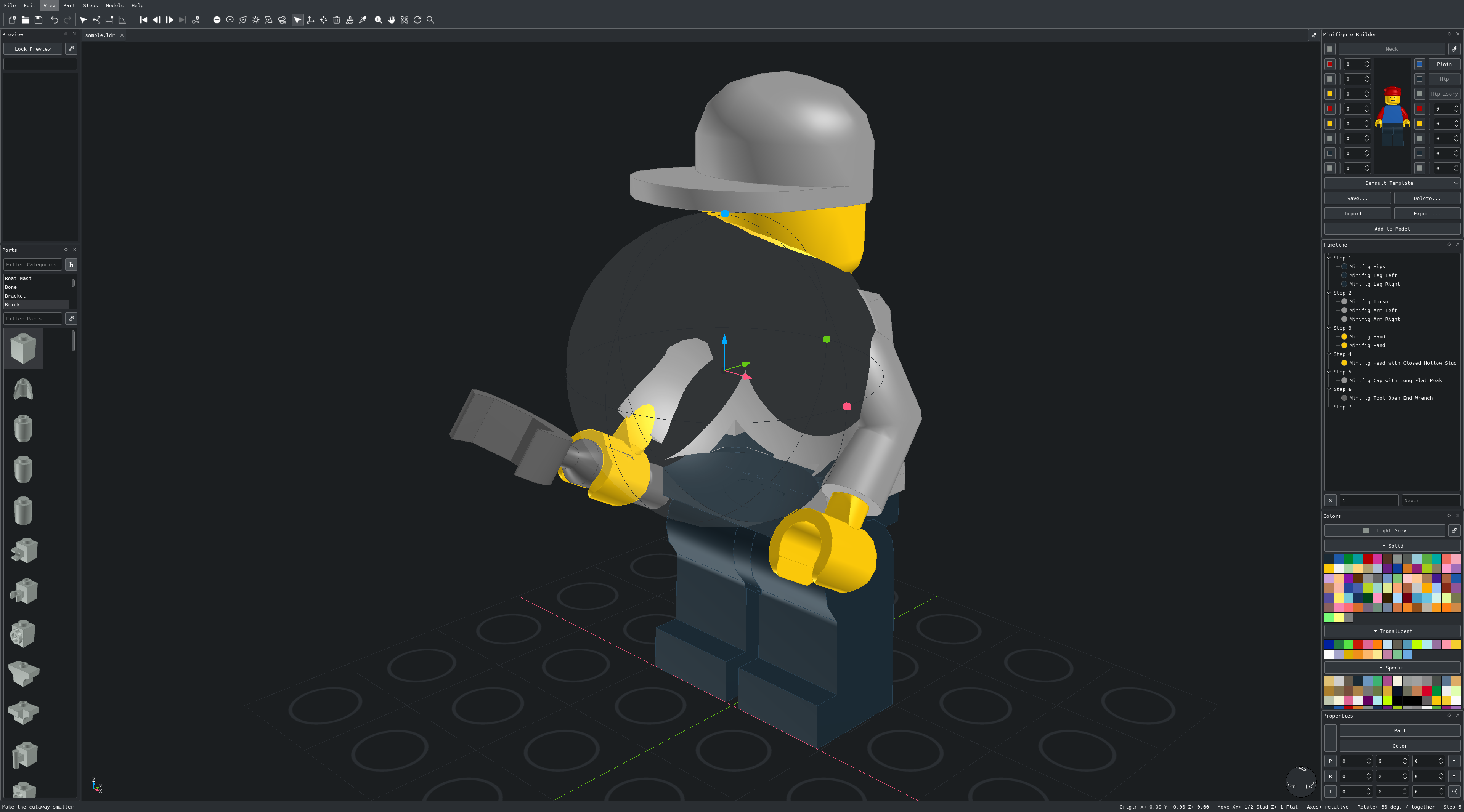
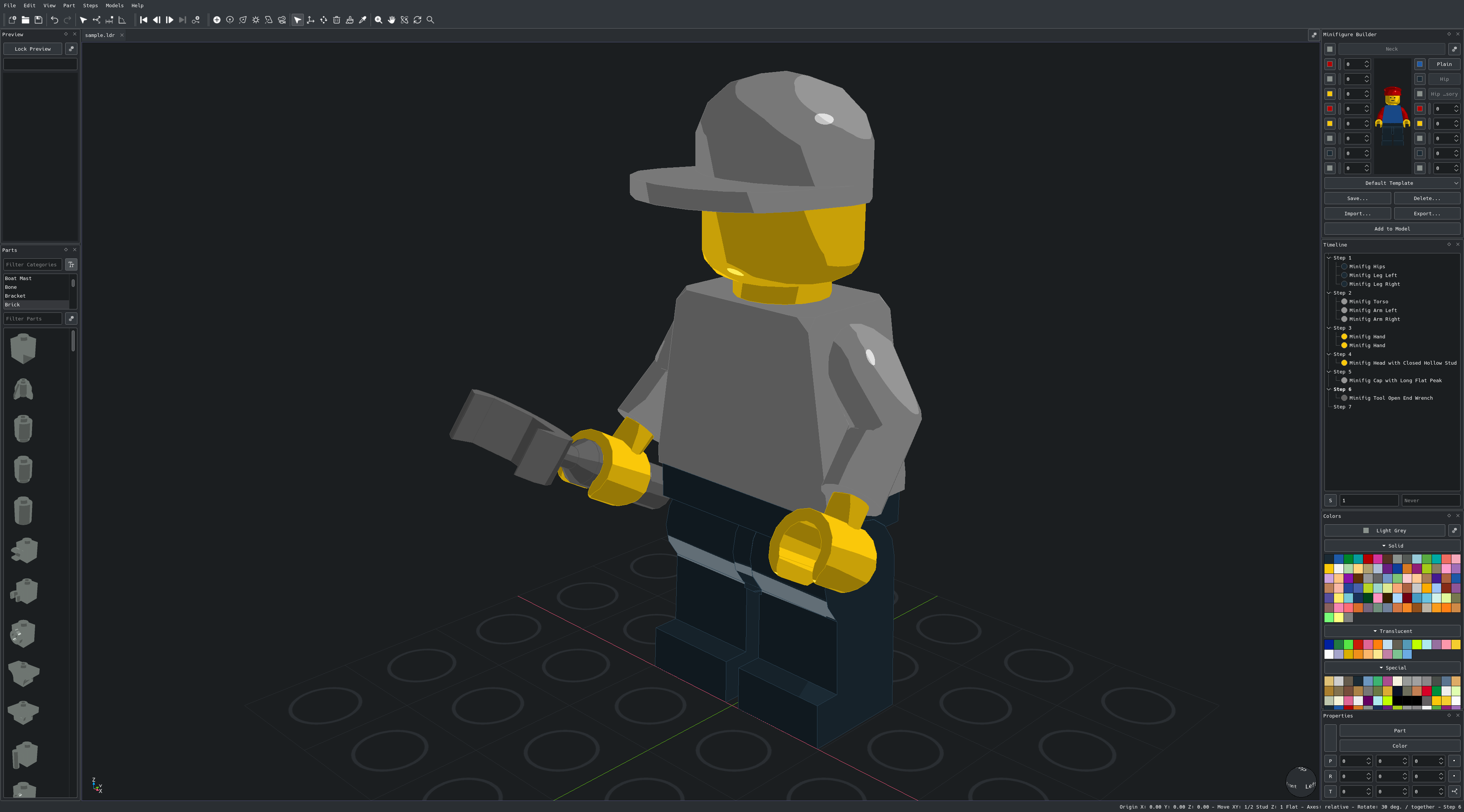
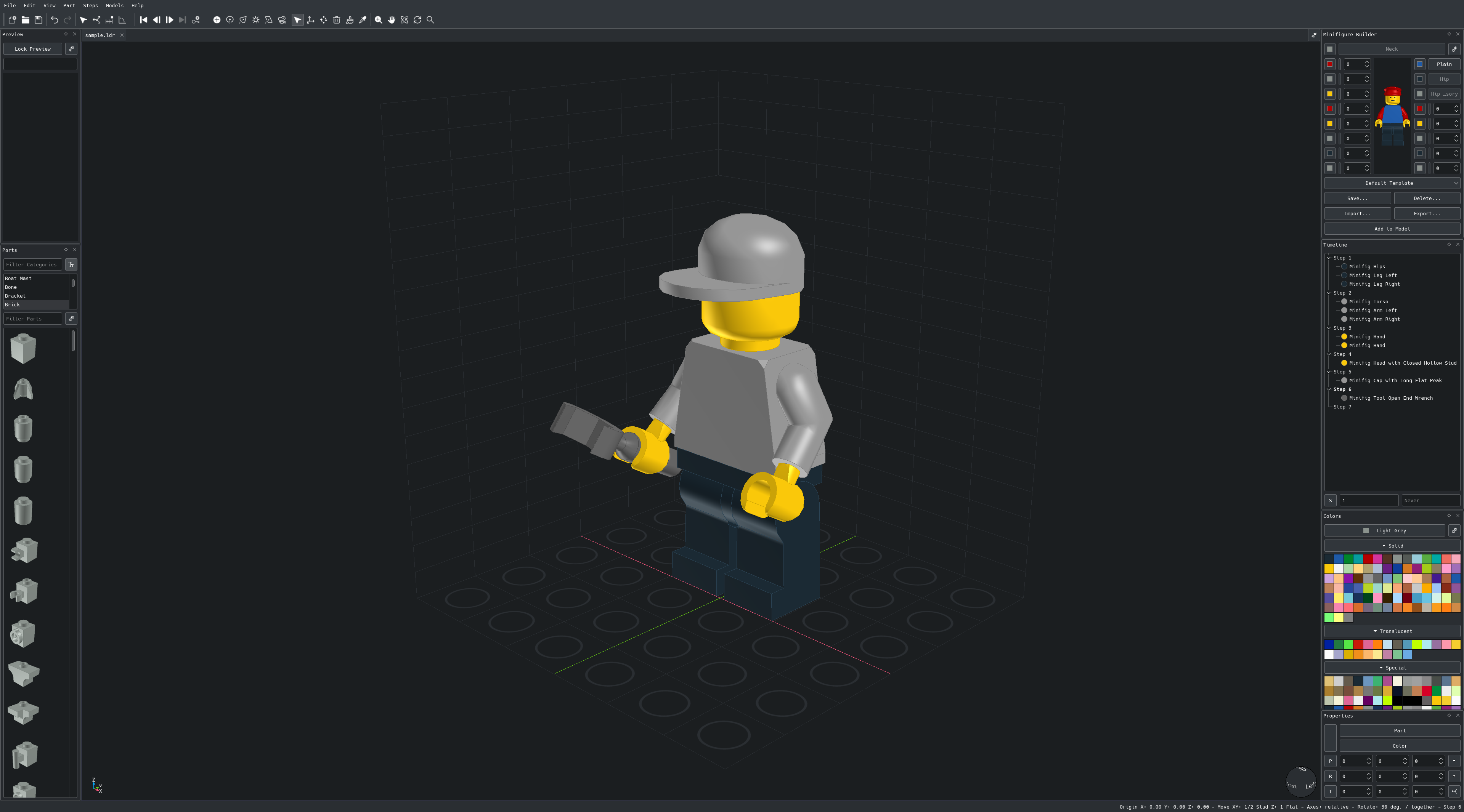
- Cube, sphere and cylinder cutaways to see inside a model, with solid cut surfaces, a shaded cut and resize knobs
- Idle turntable showing the model full screen
- Perspective or orthographic projection for the active view or all views at once
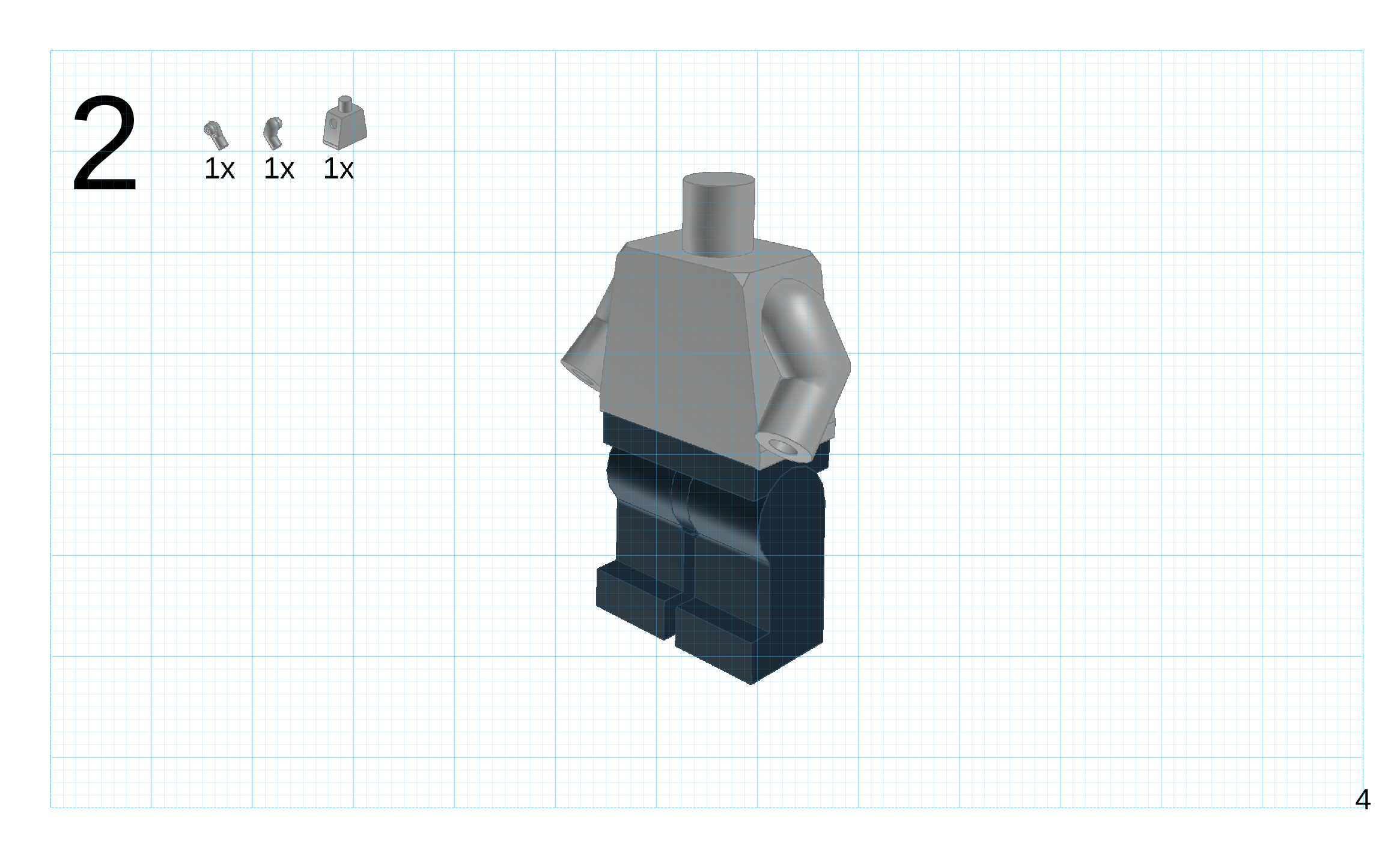
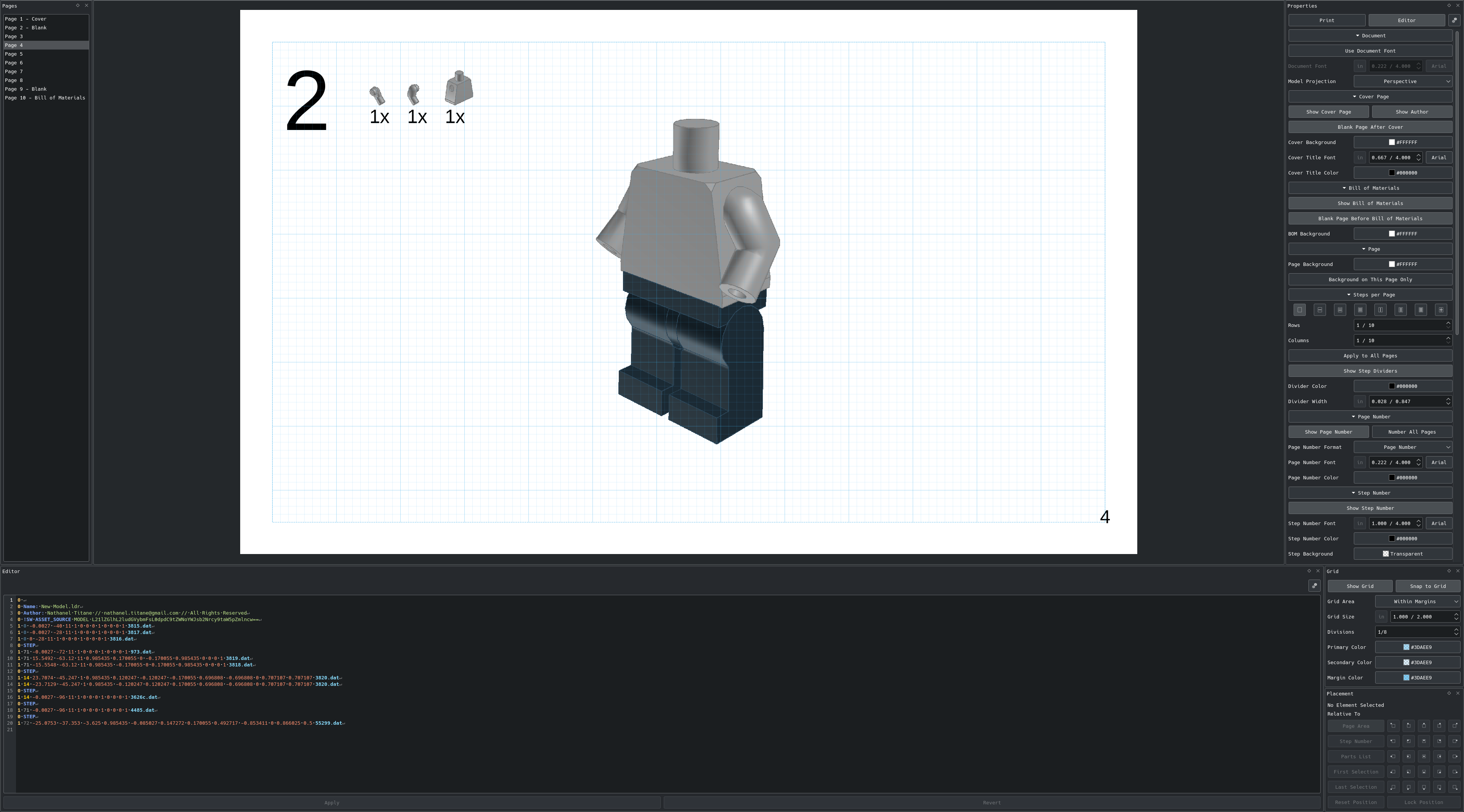
- Instructions ↴
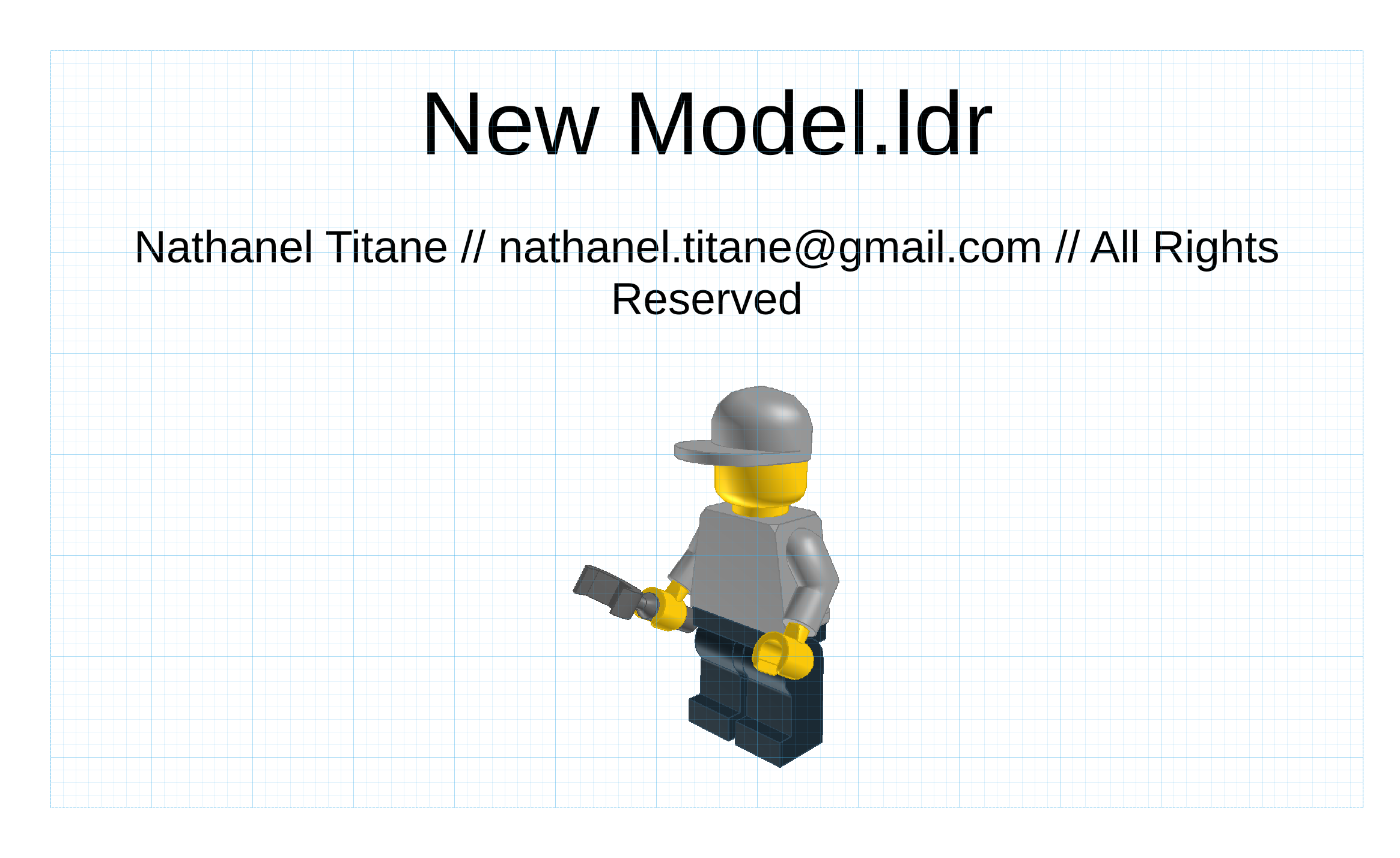
- Page setup with paper and screen presets, units, margins and orientation
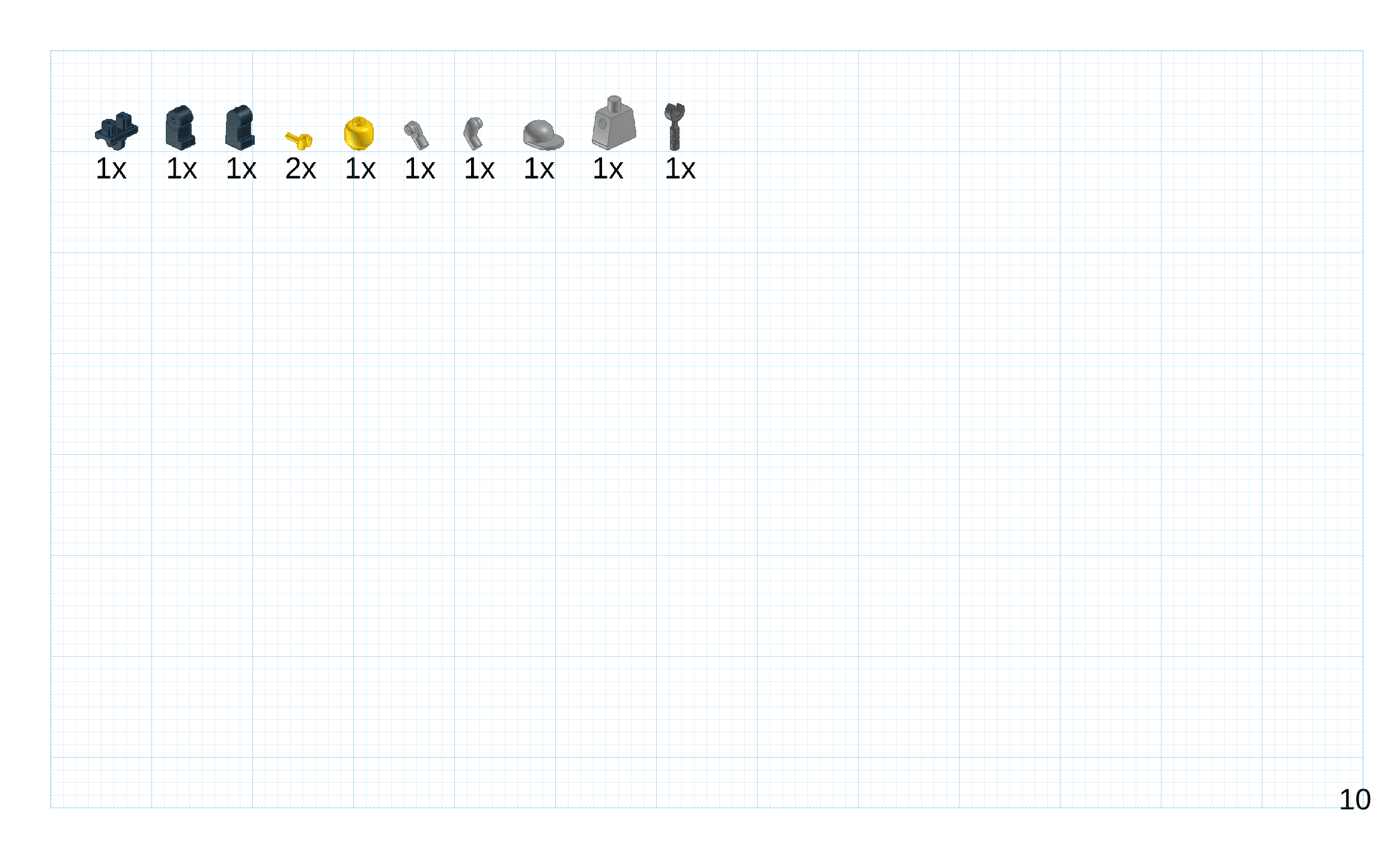
- Cover page, bill of materials, blank page breaks and per page step layouts
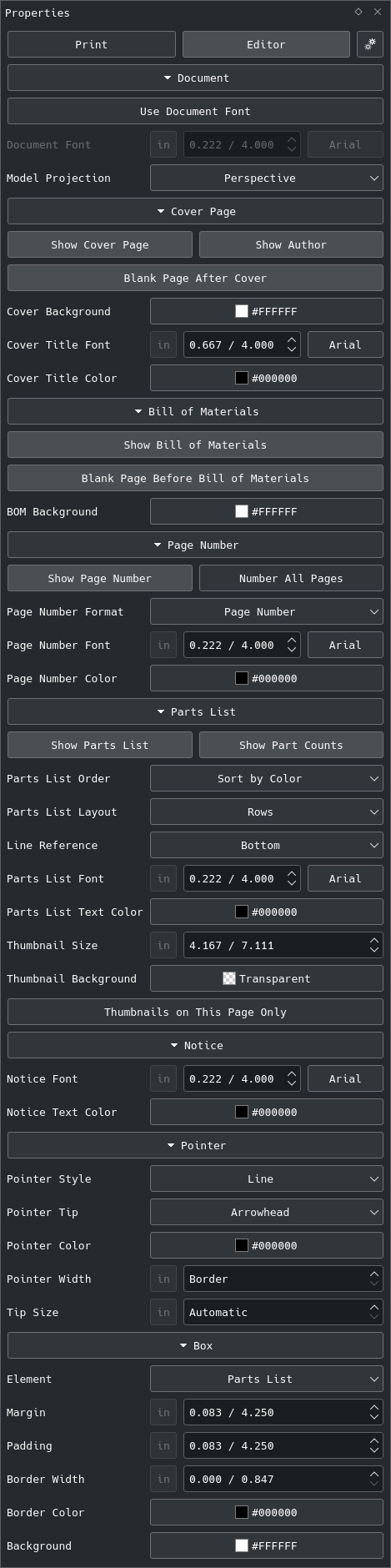
- Step dividers, document font, model projection, parts list options and full page backgrounds
- Placement panel to place, drag and lock every page element, with a snapping page grid
- Page numbers, colors and fonts for every element and a built-in Print panel
- Padding, margin, border and background for every page element
- Notices and pointers to emphasize parts, steps and notices
- Instructions saved in the model file
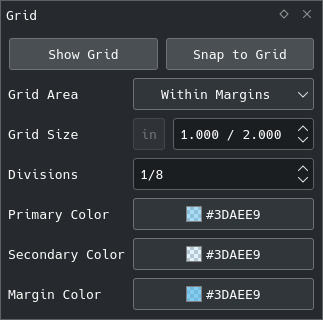
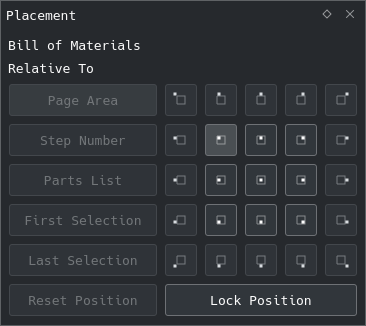
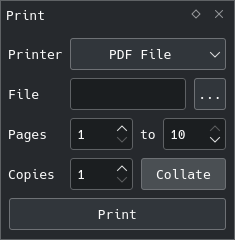
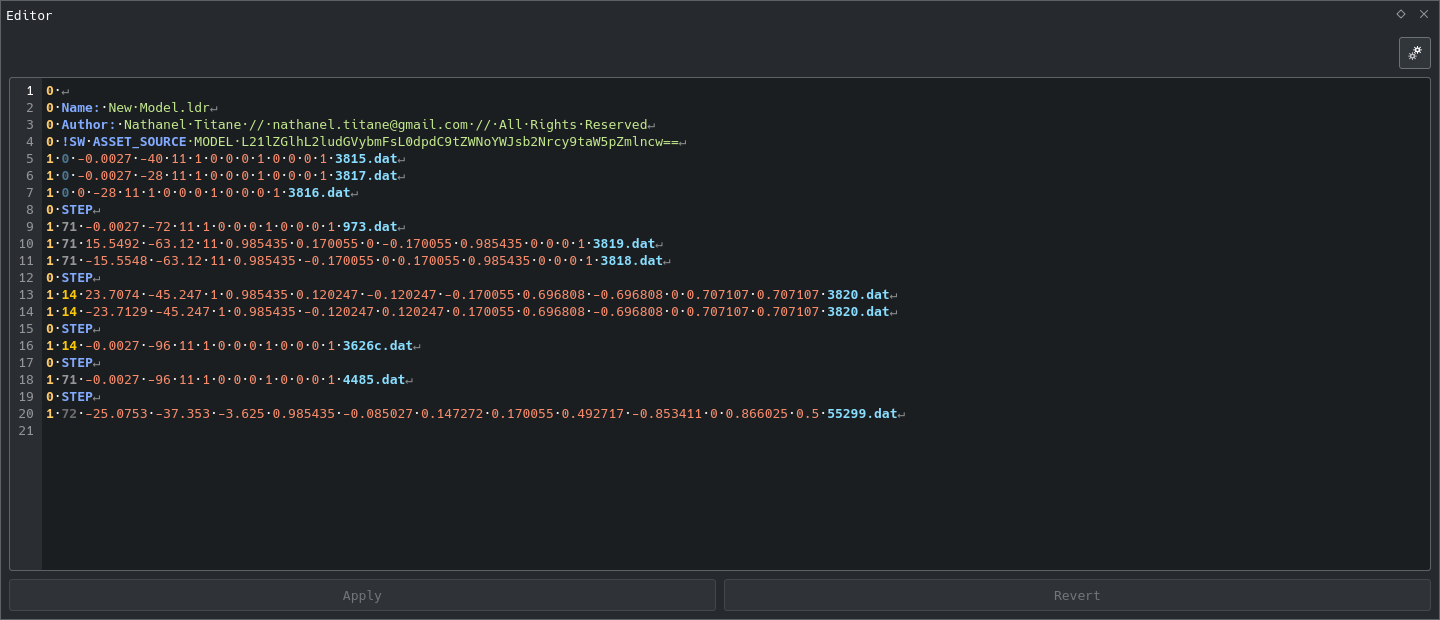
- Models ↴
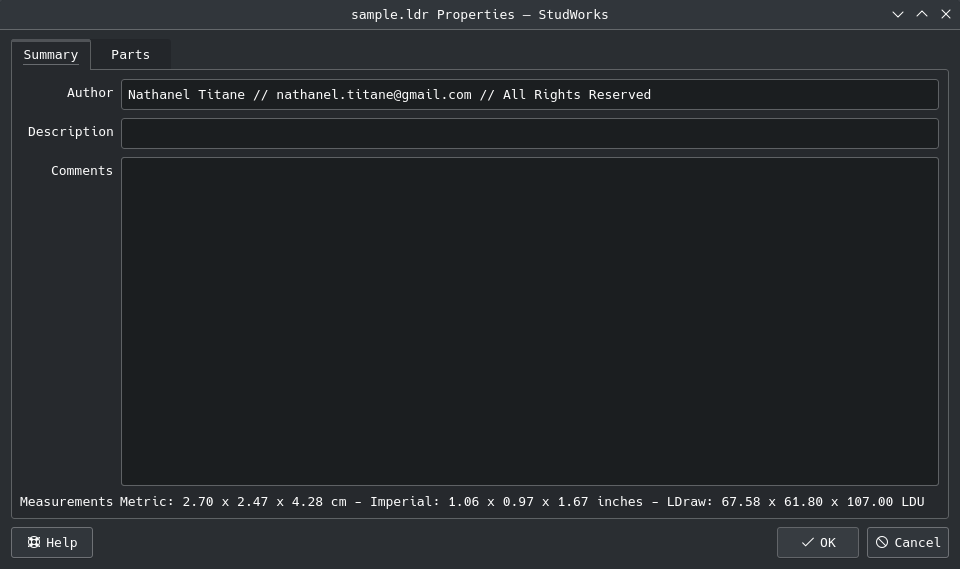
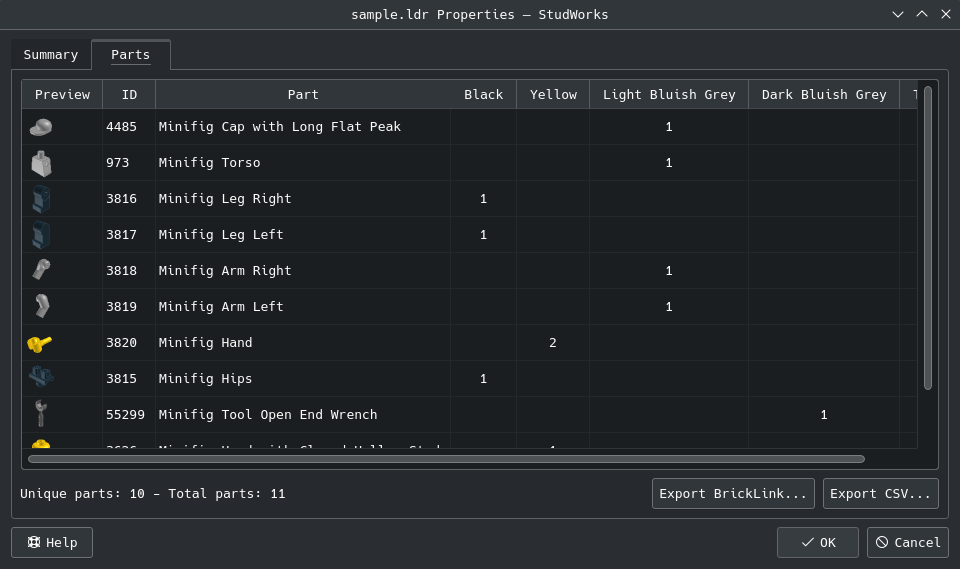
- Model properties with part IDs, thumbnails, counts and BrickLink or CSV export
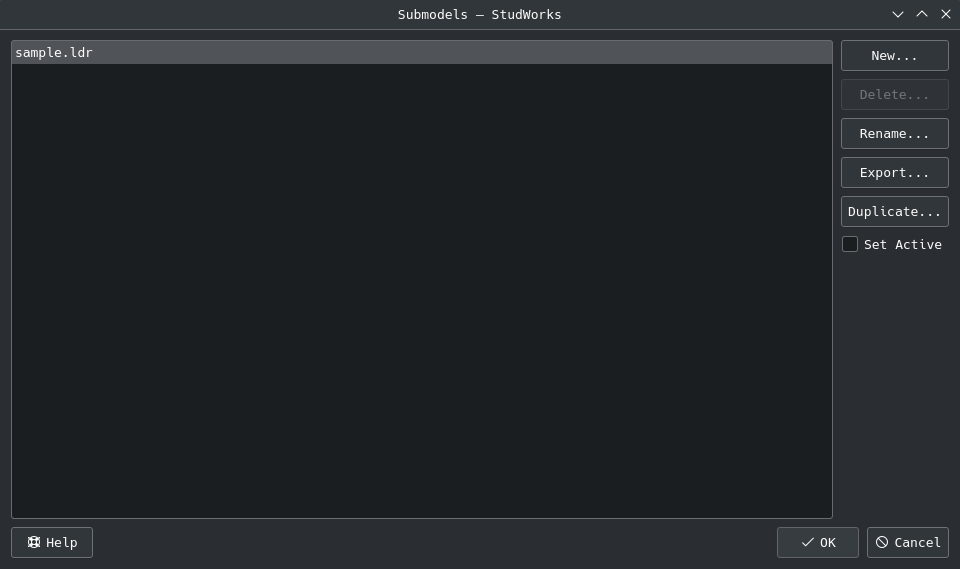
- Consistent default names and numbered duplicates
TL;DR
- Install ↴
-
Download a package from the latest release, rebuilt from every change - every package carries the date version of the release:
System Package Debian, Ubuntu studworx_2026-10-30_amd64.deb / arm64.deb Fedora, Rocky Linux, RHEL, openSUSE studworx-2026-10-30-x86_64.rpm / aarch64.rpm Any Linux studworx-linux-2026-10-30-x86_64.appimage / aarch64.appimage Windows studworx-windows-2026-10-30-x64.exe macOS studworx-macos-2026-10-30-universal.dmg - The .deb and .rpm packages install to ‘/opt/studworx’, the AppImage runs from anywhere after ‘chmod +x’ - all three carry their own Qt libraries and the LDraw parts library, and only need the base system libraries.
- Linux packages are tested on Debian 12 and 13, Ubuntu 22.04 and 24.04, Rocky Linux 9, Fedora and openSUSE Tumbleweed.
- The macOS disk image is not notarized: on first start, right click StudWorx and choose Open.
-
- Prepare ↴
- Install a C++ compiler, Qt 5 (widgets, OpenGL, print support, network, xml and concurrent modules) and zlib development packages.
- Optional: KDE Frameworks KParts and Konsole for the embedded terminal panel, KDE Frameworks KIO for the file manager thumbnails.
-
Build ↴
git clone https://github.com/nathaneltitane/studworx cd studworx qmake studworx.pro make -j"$(nproc)"- Or build and install without a package, with the thumbnail plugin, file types and associations registered - the prefix defaults to ‘/usr/local’, ‘~/.local’ installs everything but the KDE thumbnail plugin without superuser rights:
git clone https://github.com/nathaneltitane/studworx studworx/tools/studworx-install [prefix] [build directory]- Run it again after ‘git pull’ to update an install.
- Run ↴
- Start ‘build/release/studworx’ and let it download the LDraw parts library on the first start, or point Preferences to one or set ‘STUDWORX_LIBRARY’ - set Preferences › Part Connections to an LDCad shadow library folder to select connected parts - up to date video card drivers are recommended for the OpenGL rendering.
- Package ↴
- Run ‘packaging/deb.sh’ on Debian or Ubuntu, ‘packaging/rpm.sh’ on an RPM distribution or ‘packaging/appimage.sh’ on any Linux, with an optional build directory - the parts library is downloaded on the first start.
Credits:
StudWorx is based on LeoCAD by Leonardo Zide and its contributors - see ‘documentation/CREDITS.txt’.
Part connections come from the LDCad shadow library by Roland Melkert, made for LDCad and released under the Creative Commons Attribution-ShareAlike 4.0 license - it is not bundled with StudWorx.
POV-Ray renders can use the LGEO library by Lutz Uhlmann, high detail LEGO® part models for POV-Ray that may be redistributed freely - it is not bundled with StudWorx.
License:
StudWorx is free software released under the GNU General Public License version 3 - see ‘LICENSE.md’.
LEGO® is a trademark of the LEGO® Group, which does not sponsor, authorize or endorse this project.
Repositories:
LeoCAD as the application on which StudWorx is built.
LDraw for the parts library and file format.
LDCad Shadow Library for the part connection shapes, from LDCad by Roland Melkert.
LGEO for the POV-Ray part models, by Lutz Uhlmann.
Reports:
Submit bug report or feature request
Projects:










[ StudWorx // Project Page ] [ Version // 2026-10-30 ]
Show your appreciation with a PayPal donation!
Useful? Star the repository - it helps others find it.